Weekend Studio · Chromebook
Free creative apps for your Chromebook, all in Chrome
Desktop apps such as Photoshop and Blender aren't made for ChromeOS. Weekend Studio's apps are web pages: paint, edit photos, model in 3D, build a website, and convert, resize or clean up files, in Chrome on a Chromebook. Nothing to install, free, with no account.
See the apps See the free tools
- Free
- No account
- No Linux
- No Play Store
Why the browser, on a Chromebook
What the makers' own pages say, as of November 2026.
Desktop apps
Photoshop on desktop is for Windows and macOS,1 and Blender for Windows, macOS and Linux.2 Neither is made for ChromeOS.
Linux apps
A Chromebook runs them once Linux is turned on. Google says it's off by default, may not be allowed at work or school, and can't use the graphics chip yet.3
Apps in Chrome
Open a page and start. Weekend Studio's apps draw with the Chromebook's own graphics through the browser, and keep your work on the Chromebook until you choose otherwise.
Apps, each with a page about the Chromebook
Painting and drawing
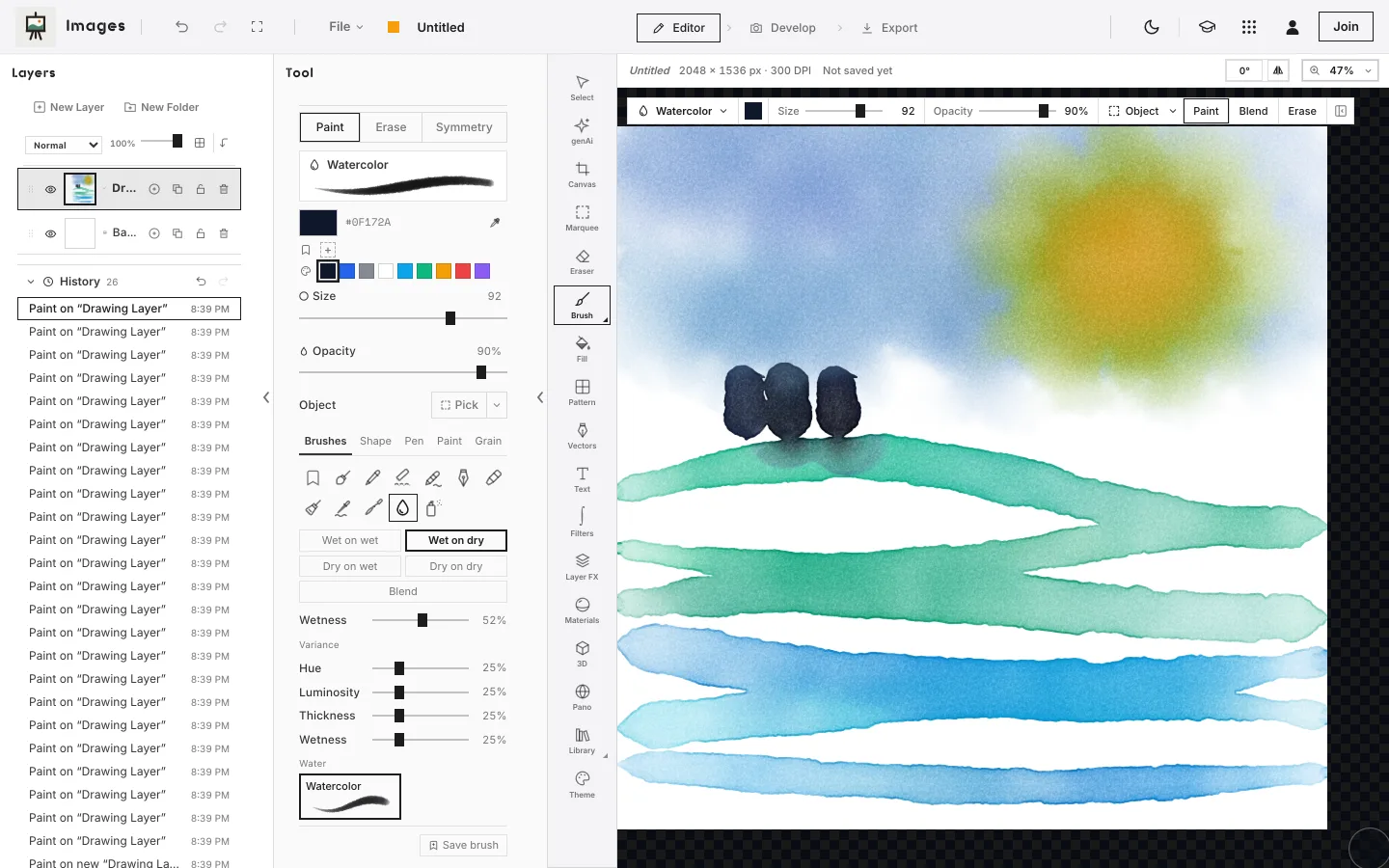
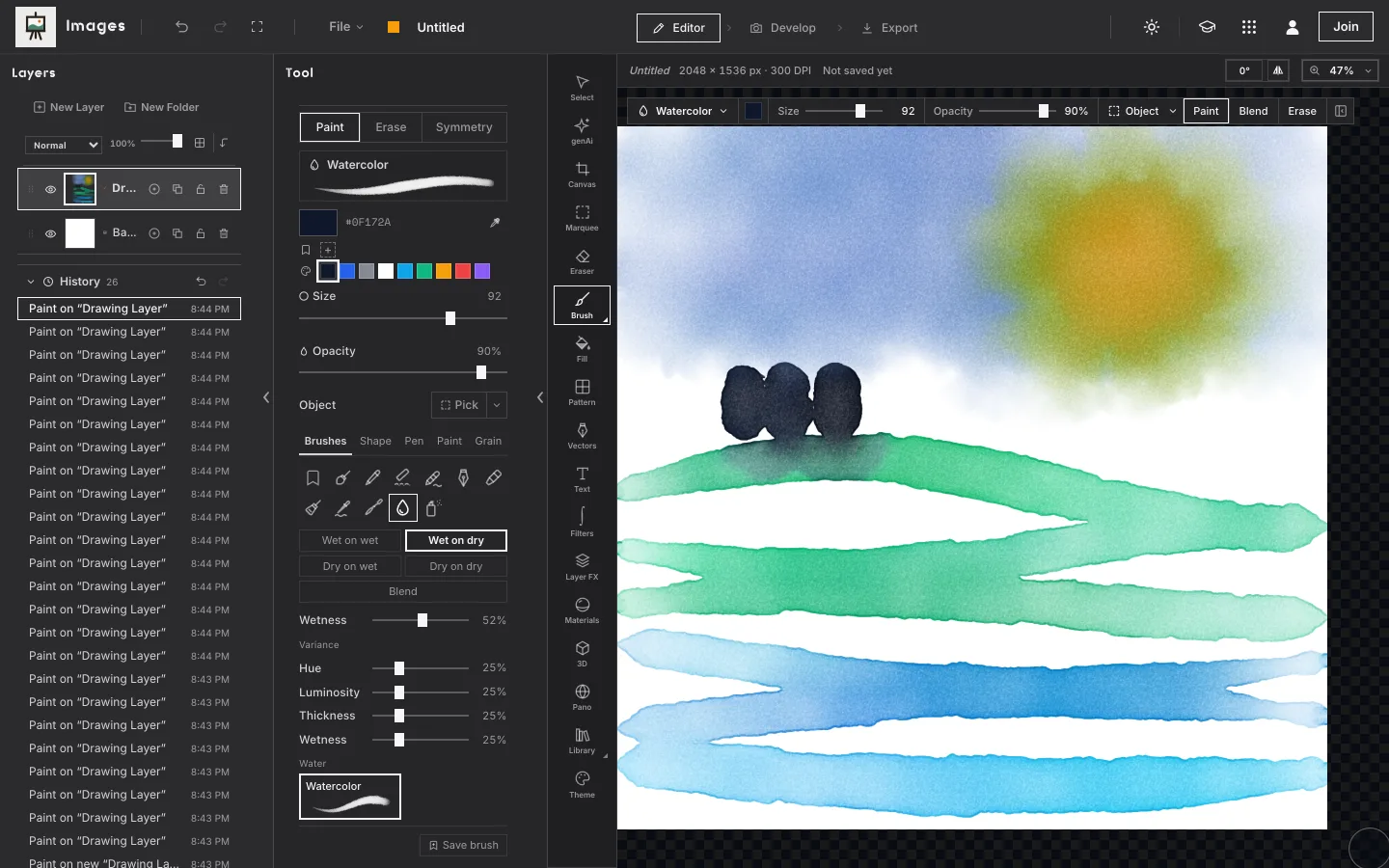
Images paints with pen pressure, layers and watercolor that flows. For anyone looking for Procreate on a Chromebook.
Photo editing
Images edits layers, masks and selections, and opens and saves Photoshop files. What Adobe offers on a Chromebook, too.
3D modeling
3D models, sculpts and paints materials in Chrome, honest about what a Chromebook can do. For anyone looking for Blender.
Websites
Web builds sites you arrange like a poster, with a phone layout for each page and the whole site as files to keep.
Drawing with no download
Images, Sketchbook and Vectors draw with pen pressure in Chrome, with nothing to download.
A free photo editor
Images and Develop edit photos and raw files in Chrome, with quick tools for HEIC, backgrounds and resizing.
Vector design
Vectors draws pen paths, shapes and text, opens SVG and .ai files and saves a print PDF. For anyone looking for Illustrator.
Raw photos
Develop edits raw files with masks and lens corrections. For anyone looking for Lightroom.
More apps that run in Chrome
Watercolor painting
A brush that flows, bleeds and dries like paint on paper: wet on wet, blooms and colors that mix like pigment.
Pixel art maker
A brush that lays whole squares on a grid, flat or as lit 3D blocks, with sand, water and lava physics.
Digital notebook
Notebooks you type, handwrite and draw in, on lined, dot or grid paper: Sketchbook.
RAW photo editor
Edit RAW photos from your camera, then save them as JPEG.
Presentation maker
Slide decks with presenter view, speaker notes and PowerPoint in and out: Doc.
3D file converter
Open a 3D file, set its pivot and save it as another format.
Free tools for everyday jobs
Each opens on a page of its own, in Chrome, with nothing to install.
HEIC to JPG
Turn iPhone HEIC photos into JPG, PNG or WebP, on your device.
Remove Background
Cut the subject out of a pile of pictures, clear or on a color, on your device.
Batch resize images
Resize a whole batch by long edge, width, height or percent, and save as JPEG, PNG or WebP.
PDF editor
Click a paragraph in a PDF and retype it where it is.
Video to GIF
Trim a video, add text and save it as a GIF.
Photo Markup
Mark up a photo or screenshot: arrows, text, steps, a pen. Then share it.
PBR Texture Generator
Make a full PBR map set from one picture or a procedural.
Questions
Can a Chromebook run creative apps like Photoshop or Blender?
Not their desktop versions: Adobe makes Photoshop on desktop for Windows and macOS, and Blender is made for Windows, macOS and Linux. Linux apps run on a Chromebook only once Linux is turned on, and Google says it can't use the graphics chip yet. Apps in the browser need none of that.
Do I need Linux or the Play Store for these?
No. Every app and tool here is a web page. Open it in Chrome and start.
Are they free?
Yes, with no account. Without one, your work is kept in your browser on the Chromebook. A paid membership adds cloud storage, sharing, live collaboration and publishing websites.
Are my files uploaded?
Not by the tools: converting, resizing and removing backgrounds happen on the Chromebook. Removing a background downloads its model once, the first time: 26 MB for people, about 180 MB for anything else.
Do they work offline?
No. They open from the web, so they need a connection to start.
Sources
What this page says about other apps and Chromebooks, and where it comes from. Checked November 25, 2026.
- https://helpx.adobe.com/photoshop/desktop/get-started/technical-requirements-installation/adobe-photoshop-on-desktop-technical-requirements.html: Photoshop on desktop, requirements: Windows and macOS.
- https://docs.blender.org/manual/en/latest/getting_started/installing/index.html: Blender Manual, Installing Blender: Windows, macOS and Linux.
- https://support.google.com/chromebook/answer/9145439?hl=en: Chromebook Help, Set up Linux on your Chromebook: off by default; may be unavailable at work or school; no hardware acceleration yet, including GPU.
Photoshop and Blender are trademarks of their owners, named here only to compare. Chromebook and ChromeOS are trademarks of Google LLC. Weekend Studio isn't affiliated with, endorsed by or sponsored by Adobe, the Blender Foundation or Google. Seen something out of date? Tell us and we'll fix it.