Weekend Studio · Images
A free drawing app for your Chromebook, with no download
Draw and paint in Chrome on a Chromebook with pen pressure. Images has pencils, inks, paints and watercolor on layers; Sketchbook keeps notebooks; Vectors draws clean lines. Nothing to download, free, with no account.
- Free
- No download
- No account
- Pen pressure
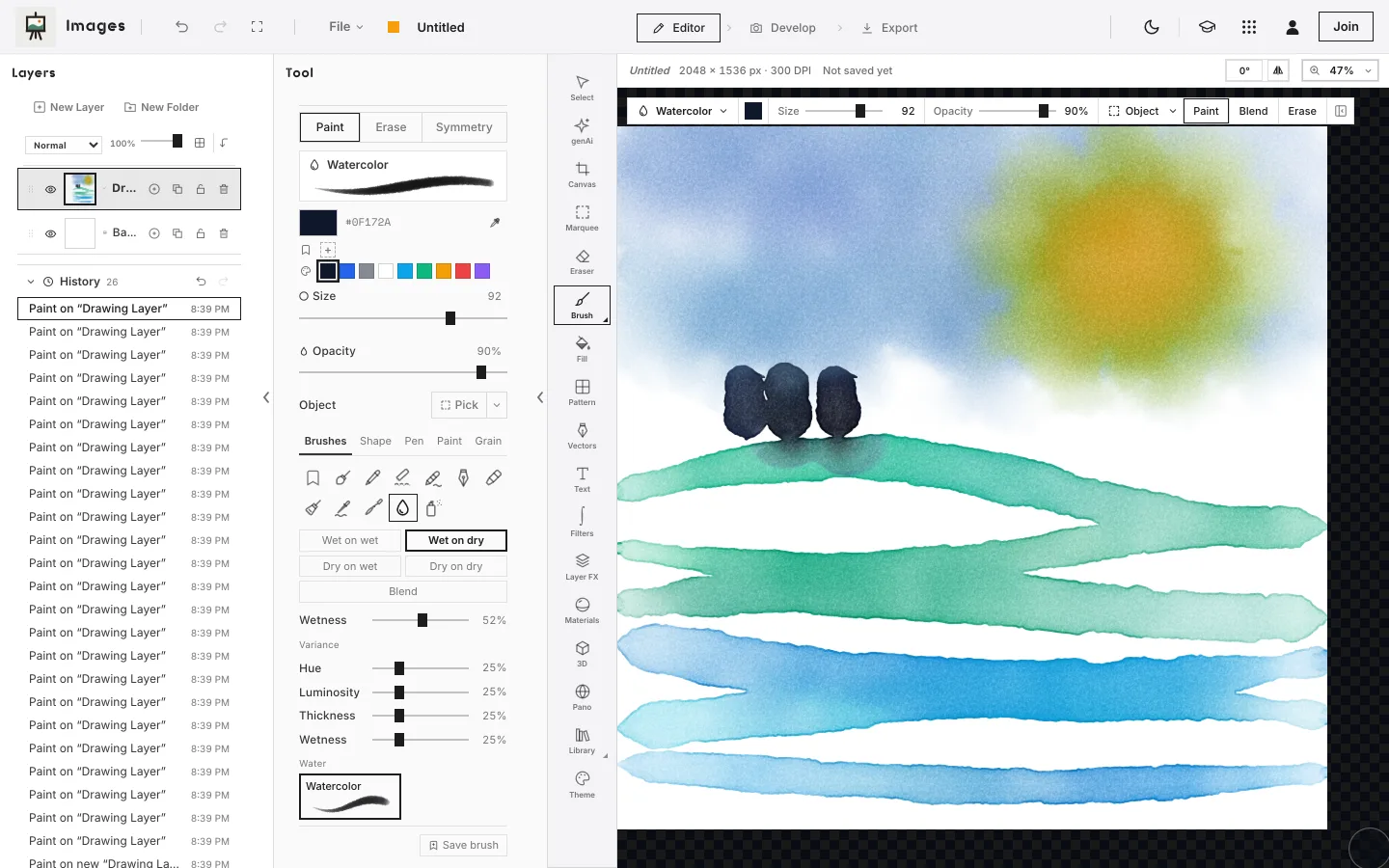
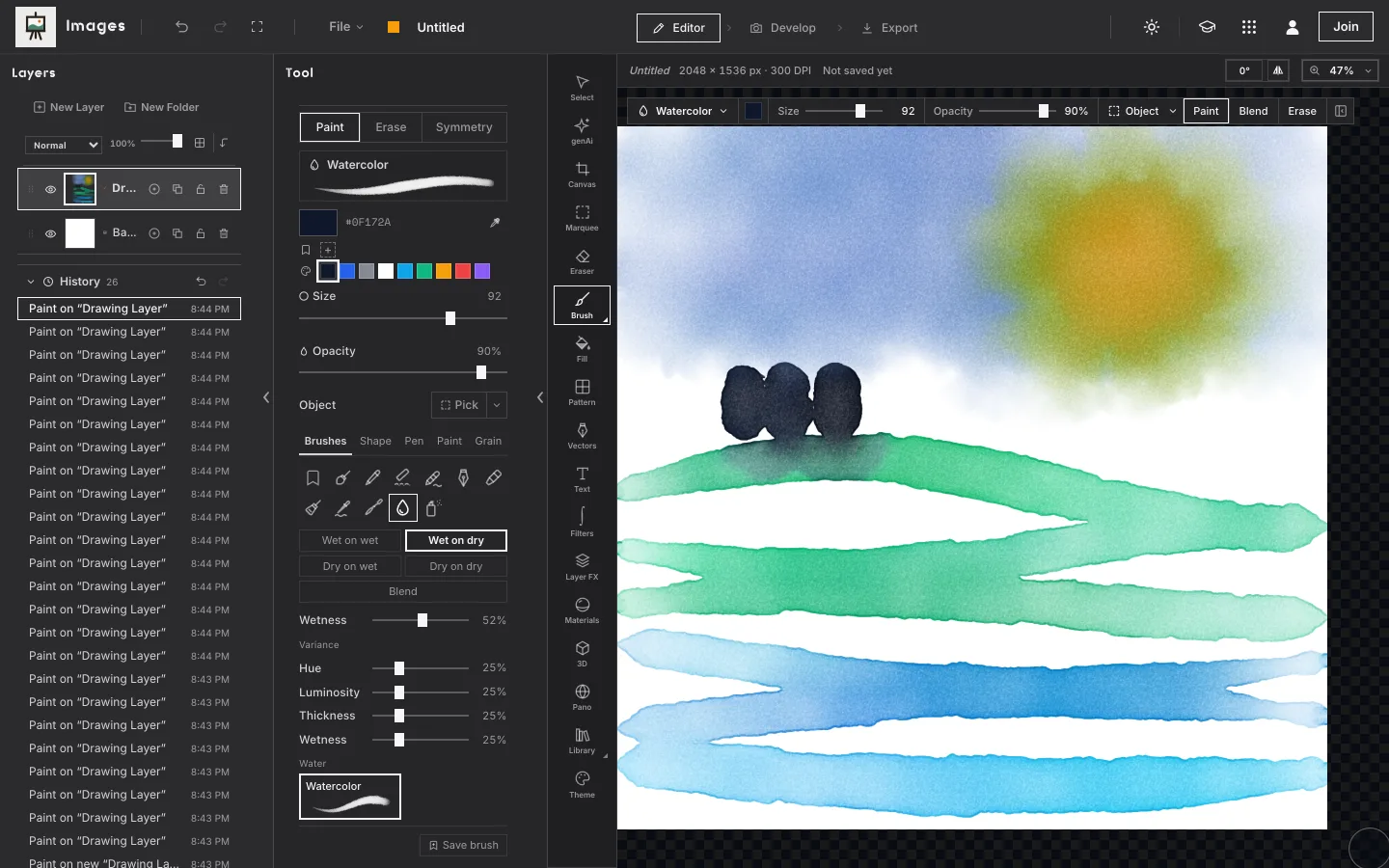
Three apps for drawing, all in Chrome
No Play Store app and no Linux: Google's help, as of November 2026, says Linux on a Chromebook is off by default and can't use the graphics chip yet.2 These need only Chrome.
Images
Round brushes, pencils, charcoal and pastel, inks, paints, airbrushes and blenders, on layers with masks, symmetry and perspective guides.
Sketchbook
Notebooks you type, handwrite and draw in, on lined, dot or grid paper.
Vectors
Pen paths, shapes and freehand strokes that follow pen pressure, saved as SVG or a print PDF.
Your pen on a Chromebook
Set once under File › Preferences › Stylus, and every Weekend Studio app on the Chromebook follows.
Pressure, checked in a second
Images reads pressure whenever the pen reports it to the browser. Draw in the box under the pressure curve: if lines thicken as you press, it does.
Which stylus
The one your Chromebook works with. Google says some Chromebooks take USI styluses, that Bluetooth styluses don't work with Chromebooks, and that capacitive ones sometimes don't work well.1
Palm and fingers
A palm resting under the pen is ignored, and fingers pan and zoom once the pen has touched the canvas.
More ways to draw
Watercolor painting
A brush that flows, bleeds and dries like paint on paper: wet on wet, blooms and colors that mix like pigment.
Pixel art maker
A brush that lays whole squares on a grid, flat or as lit 3D blocks, with sand, water and lava physics.
Coming from Procreate?
What Procreate offers on a Chromebook, and how Images compares.
Every Weekend Studio app and free tool that runs on a Chromebook
Questions
Is there a free drawing app for Chromebook with no download?
Yes. Images, Sketchbook and Vectors are web pages: open them in Chrome and draw, with nothing to download and no account.
Does pen pressure work on a Chromebook?
Yes, when the pen reports pressure to the browser. To check yours, open File › Preferences › Stylus and draw in the box under the pressure curve: lines that thicken as you press mean it does.
Can I use it on a school Chromebook?
It needs no account and nothing installed, only Chrome. Without an account your drawing is kept in this browser, so save a copy with File › Save to device… if your Chromebook clears its data when you sign out.
Can I draw with my finger?
Yes. Fingers draw until a pen touches the canvas, then they pan and zoom; you can change that under File › Preferences › Stylus.
Does it use AI?
Only if you ask. The brushes simulate paint; nothing you draw is generated, and every picture is labeled Human made when it was made here by hand.
Sources
What this page says about Chromebooks, and where it comes from. Checked November 25, 2026.
- https://support.google.com/chromebook/answer/7073299?hl=en: Chromebook Help, Use a stylus with your Chromebook: no Bluetooth styluses; capacitive ones sometimes don't work well; some Chromebooks take USI styluses.
- https://support.google.com/chromebook/answer/9145439?hl=en: Chromebook Help, Set up Linux on your Chromebook: off by default; no hardware acceleration yet, including GPU.
Procreate® is a registered trademark of Savage Interactive Pty Ltd, named here only to point to our comparison. Chromebook and ChromeOS are trademarks of Google LLC. Weekend Studio isn't affiliated with, endorsed by or sponsored by Google. Seen something out of date? Tell us and we'll fix it.