Images Pixel Brush
The editor is loading…
The editor couldn't load here. It needs WebGL 2; open Images instead.
Draw pixel art in your browser
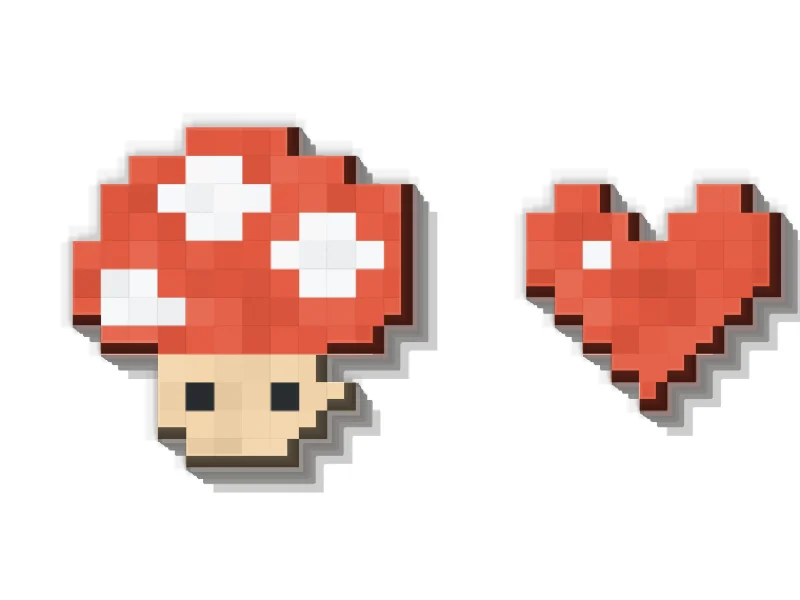
The editor above is Images' own Pixel brush, the real one, with every setting it has. Every mark lands as whole squares on a grid, so lines stay crisp the way 8-bit and 16-bit art does. Keep the squares flat for classic sprites, tiles and icons, or raise them into blocks lit from the side for voxel art. Turn on physics and what you paint falls like sand, flows like water or bounces off the floor.
Open in Images takes it further: what you painted goes with you as a picture, and the Pixel brush is in hand at the same pixel size, look and color, with layers, selections, filters and text around it.
Open in Images How Images works
- Free
- No account
- Phone, tablet and computer
- Pen pressure
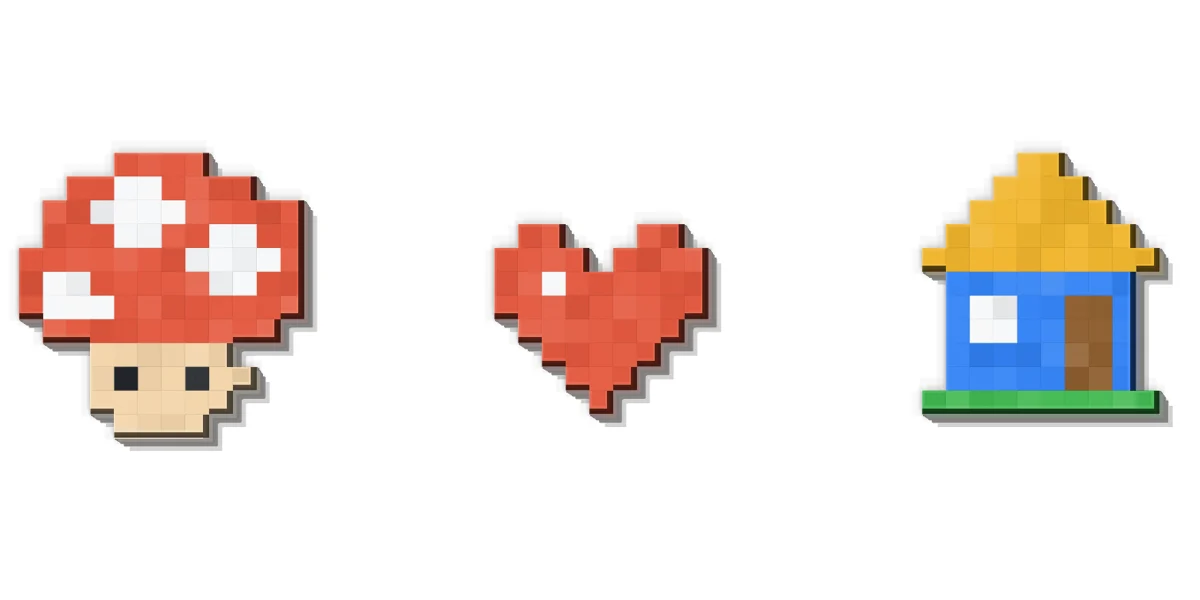
Squares, exactly
Every mark lands on a grid fixed to the layer, so squares always line up with the ones beside them.
Pixel size
How big a square is, from 2 to 64 pixels. The canvas is at least 256 pixels on a side, so a small grid comes from a bigger square: at 16, a 512 × 512 canvas is 32 × 32 squares.
Size in squares
How wide the line is, always a whole number of squares. Erase takes squares away one at a time.
Four nibs
Round, Square, Dither (every other square, a checker) and Spray, a speckle that fills in as you go over it, with Density for how thick.
Flat, or six kinds of block
With Height at 0 the squares are flat color, classic pixel art. Raise it and they stand up, brighter on the side toward the light, darker away from it, casting a shadow.
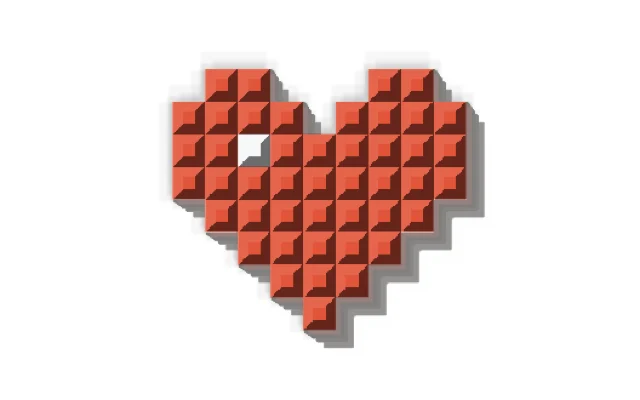
Block
A raised tile with sloping sides.
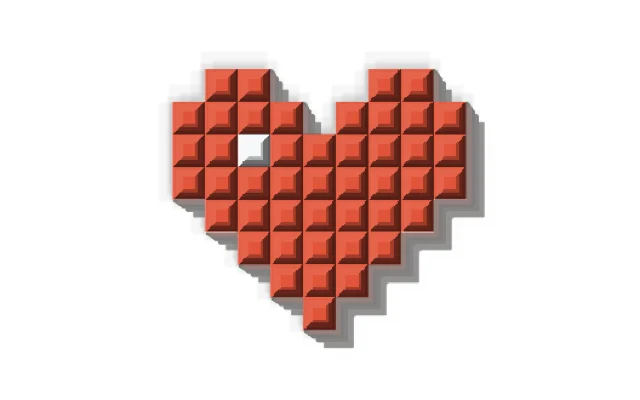
Round
A cushion: its edge turns over.
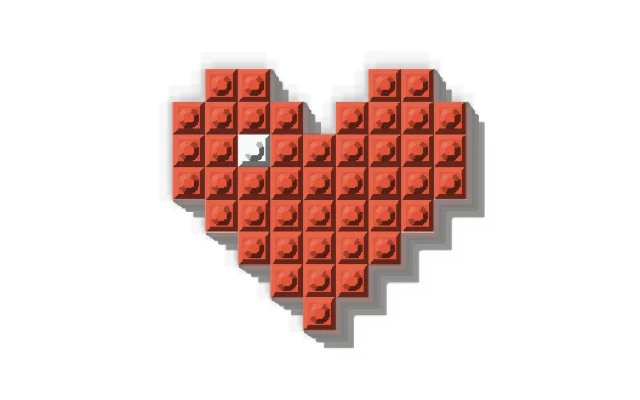
Stud
A plate with a round stud on it.
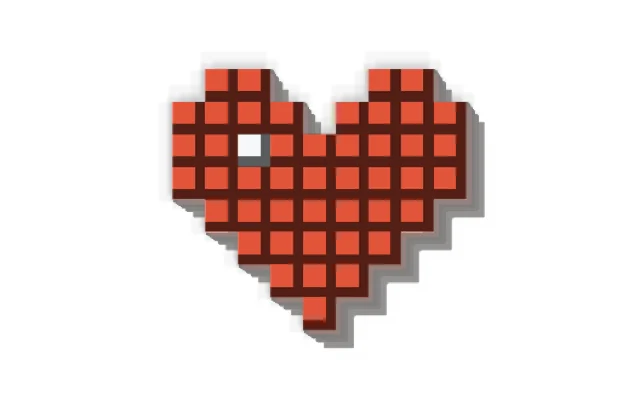
Cube
A cube seen from above: its right and lower sides show.
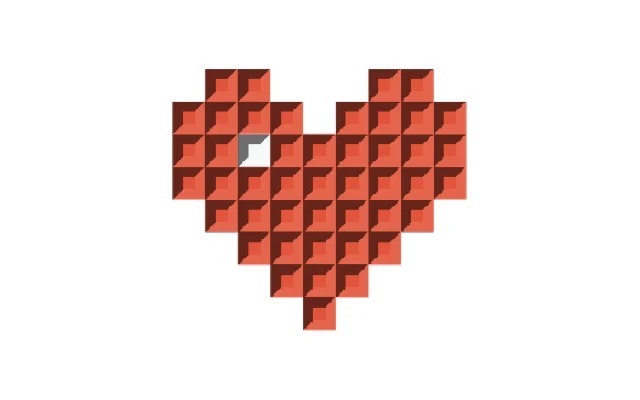
Sunken
Pressed into the page.
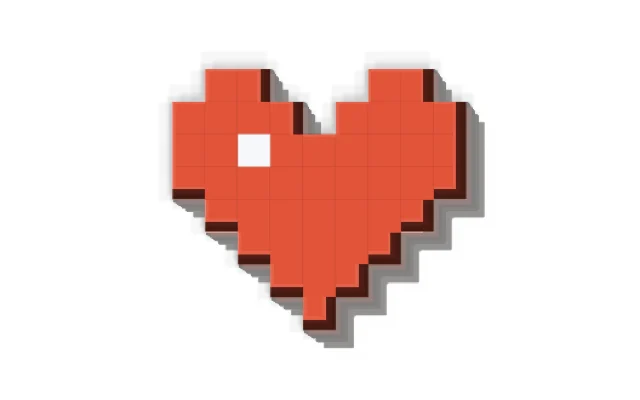
Voxel
A solid cube: walls, soft corners where a taller one stands beside it, and a rim that catches the light.
One light for the whole picture
The Light tab is the picture's one light, shared with Images' Metal brush: Rotation, Height, Strength, Ambient, and a Shadow with its Distance. Turn it and every block follows.
What the blocks are made of
Material sets how the squares catch the light: Flat, Plastic like new toy bricks, Worn with smudges and hairline scratches, soft-touch Matte, or Glow, which gives off its own light: turn the room's light down and it lights the squares around it, and they cast shadows. The color stays as painted. Overlap sets how squares meet: each a block of its own, or touching squares combined into one raised shape.
Five colors in one stroke
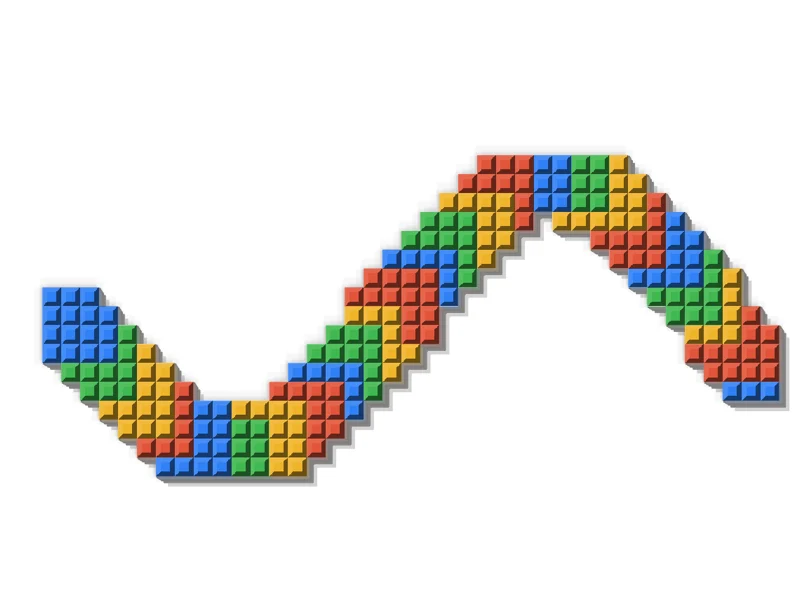
On the Color tab, one stroke can lay up to five colors: Along the stroke, Across it, from its Center out, Mixed at random, square by square, or by Height up the page, for skies and water that darken toward the bottom. Gradient blends from one color to the next, or each keeps its own band.
A brush, not a pencil tool
Taper thins a line to a single square at both ends, Speed makes it thinner the faster your hand goes, and Jitter lets its width wander. Hold still at the end of a stroke and a wobbly line becomes a straight one.
A playground: let the squares go
On the Physics tab, what you paint falls, and everything already on the layer is the ground. Play and Pause are on the bar over the canvas.
Paint in depth. With Overlap on On top, squares let go over empty canvas are the first level. Paint over squares that are already there and the new ones are a level up: they stand higher, fall in front of what is under them, and pile among themselves. Paint over those for the next level, up to six. What is underneath stays whole. Combine keeps everything on one level.
Sand
Falls and piles up in a heap. Kinetic sand lands in bright bands, striped by the height it settles at.
Water
Falls, then runs to the lowest place it can reach and splashes where things land in it.
Lava and rock
Lava flows slowly and boils water away, turning to rock where they meet. Rock holds its shape and falls whole.
Bounce, burst and explode
Squares bounce off what they hit, burst out in every direction, splatter, or blow apart what's under the brush.
Stir pushes sand and water along like a rake, and heaps them up in front of it. In Images, the squares can fall down the page or to any side of it, or, on a tablet or phone, the way you tip it: shake it and the top of every heap jumps.
Presets set the physics, colors and material in one press: Sand, Water, Kinetic sand, Rock, Sorbet, Lava, Candy, Plants, Fireworks, Neon rain and Glow. Fireworks burn through their colors and are gone: Fade away does that for any of them. Glow has no physics: its squares give off light and stay where you paint them. Gravity, Force, Splash, Velocity and Direction tune how they move.
Made for a pen, and for small screens
Pressure in squares
Turn on Pressure and a firmer press with Apple Pencil widens the line, a whole square at a time. A mouse, a finger or a pen tablet all work.
See the grid
Zoom to 600% or more and Images draws a faint outline round every pixel, so you can place each square exactly.
Crisp at any size
Image size starts on Hard edges, so scaling the finished picture keeps every square sharp instead of blurring it.
Then keep going in Images
Images is Weekend Studio's painting and photo editor. Your pixel art sits on layers beside every other brush, with selections, filters and text. File › Export › PNG saves exactly what you see; the Export tab saves PNG, JPEG or WebP at the size you choose, and on a computer you can save a Photoshop file with its layers.
What it doesn't do: Images paints one picture at a time. There are no animation frames, onion skins or sprite-sheet exports, and no palette files to load.
Questions
- Is it free?
- Yes. Images, Weekend Studio's painting and photo editor, works in your browser with no account, and your picture is kept on your device. An account adds saving to the cloud.
- How small can the squares be?
- Pixel size goes from 2 to 64 pixels a square. A canvas is at least 256 pixels on a side, so a small grid comes from the Pixel size: at 16, a 512 by 512 canvas is 32 by 32 squares.
- Can I make sprite animations?
- Not here. Images paints one picture at a time: there are no animation frames, onion skins or sprite-sheet exports.
- Can I make it bigger without blurring the squares?
- Yes. Image size's Resampling starts on Hard edges, which keeps every square crisp when you scale the picture.
- Does it work on an iPad with Apple Pencil?
- Yes. With Pressure on, a firmer press widens the line, always by whole squares. It also works with a mouse, a finger, or a pen tablet on a computer.
- How do I make pixel art?
- Pick a Pixel size, then paint: every mark lands as whole squares on the grid. Start with a few colors, draw the outline one square wide, fill it in, then add a lighter and a darker shade for light and shadow. Raise Height if you want the squares to stand up as blocks.
- Can I turn a photo into pixel art?
- Yes, with Image to pixel art, a free Weekend Studio tool that turns photos into pixel art in palettes such as PICO-8, Game Boy, NES and C64. This page is for drawing it yourself, square by square.
- Is it like a falling sand game?
- Yes. Turn on Physics and what you paint falls like sand, flows like water, or boils water away as lava, and everything already on the layer is the ground it lands on.
- Is it AI?
- No. The brush lays squares where you paint them, and the physics moves them by rules. Nothing is generated.