Automations · Pixel art
Turn any image into pixel art
Drop a photo, or a hundred, and press Run. Each one becomes pixel art that looks placed by hand, in the picture’s own colors or a classic console palette. Free, no account.
- Free
- No account
- On your device
- PICO-8, Game Boy, NES, C64
- PNG
- Batch
What’s wired up above
- Picturesdrop yours here
- Pixel Art96 cells wide, 16 colors from the picture
- FormatPNG, so the edges stay crisp
- Savenamed “name-pixel”
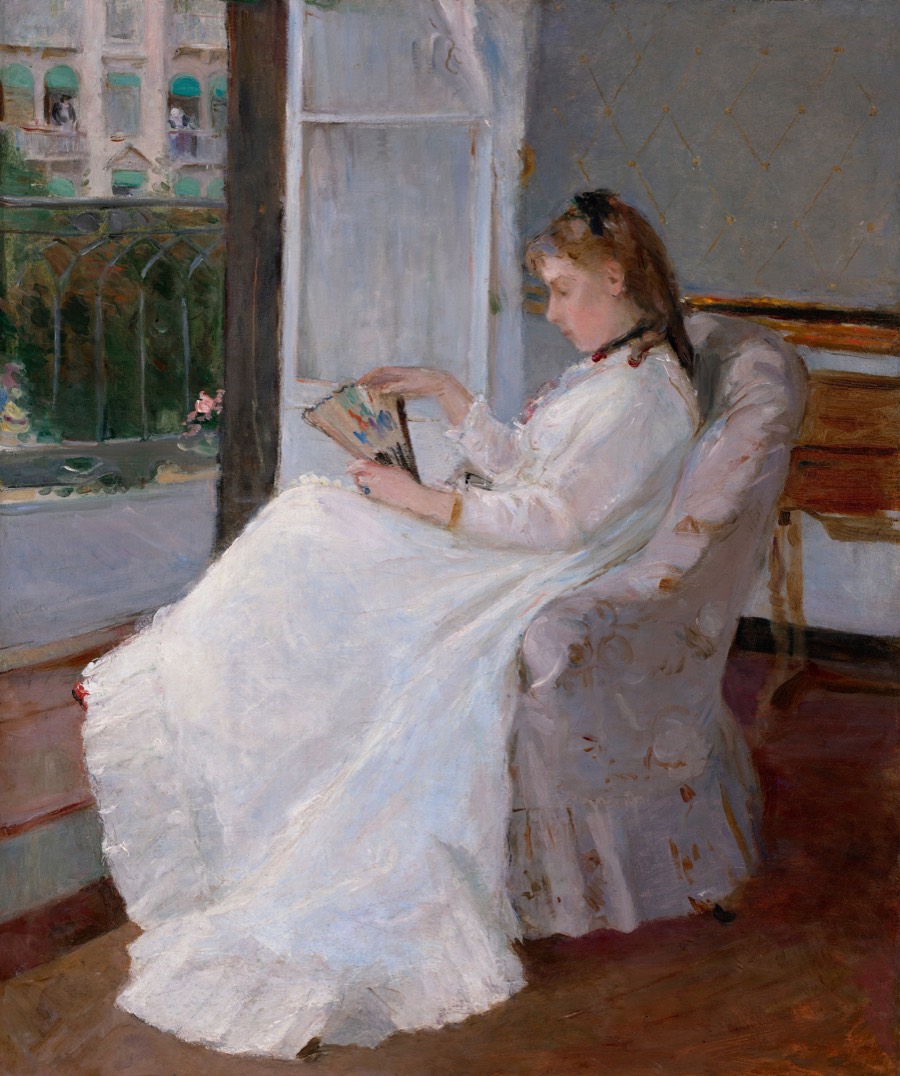
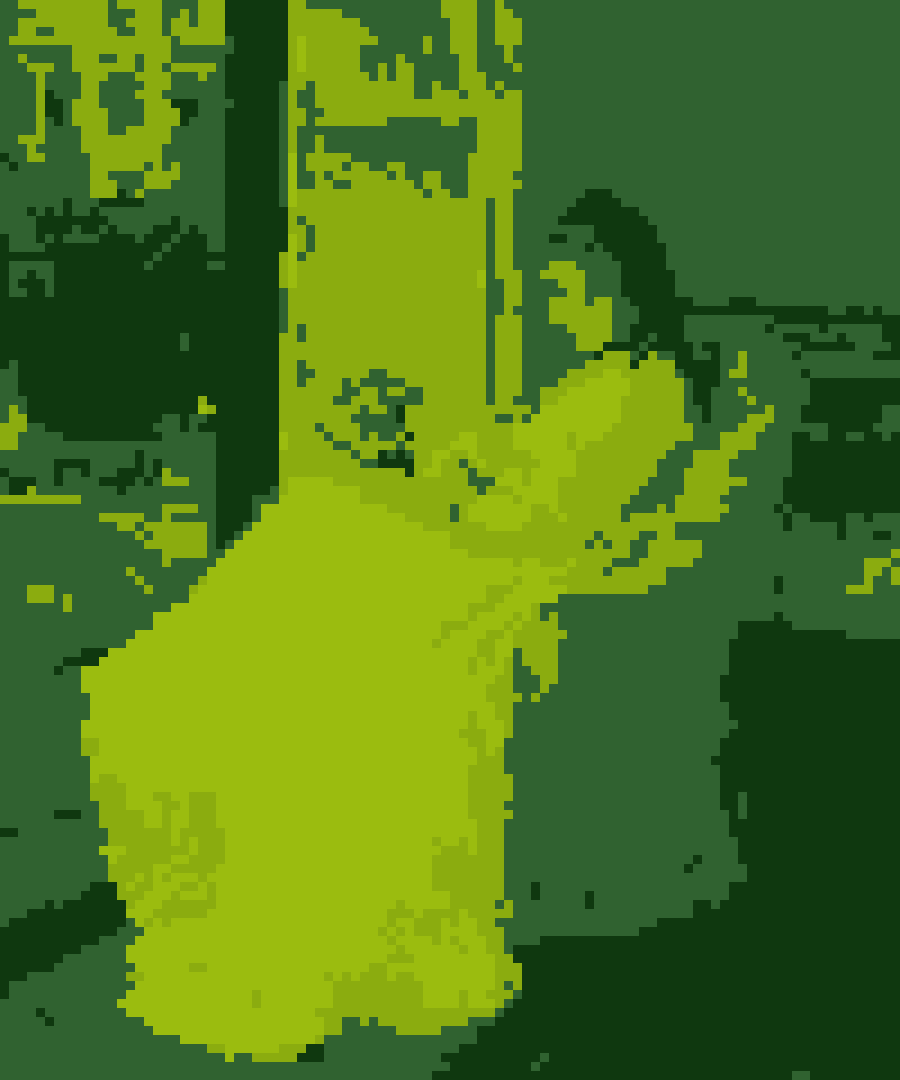
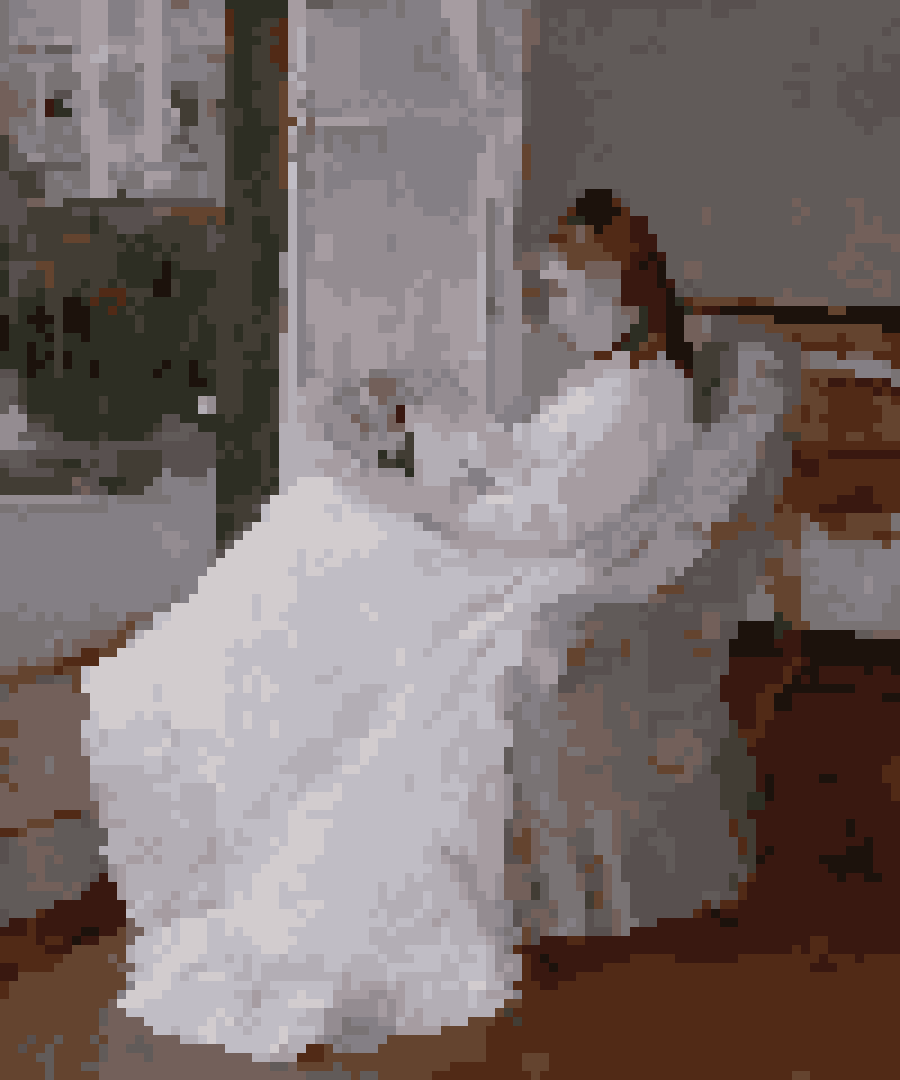
Example: Berthe Morisot, The Artist’s Sister at a Window, 1869, National Gallery of Art (public domain).
This is one automation in Weekend Studio’s node editor. Every step is a node you can change, and you can add more: a look, a crop, a border, a logo.
See how it worksHow to make pixel art from a photo
Add your images
Drop them in the Pictures box on the left, or press Upload.
Pick the grid
Click Pixel Art and set Grid width: fewer cells, bigger pixels.
Pick the colors
A palette, the number of colors, dither, and an outline if you want one.
Run
Press Run: one image downloads as itself, several as one zip.
Pixel art, not a blurred mosaic
- Majority color
- Each cell takes the color most of it is, never the average, so edges stay sharp.
- Palette
- From the picture (2 to 64 colors, chosen in a perceptual color space), PICO-8, Game Boy, NES, Commodore 64, CGA, EGA, ZX Spectrum, Mac black and white, or your own colors.
- Clean up
- Takes away stray single pixels and doubled corners on diagonals, as a pixel artist would.
- Dither
- Off, Ordered or Diffusion, with a strength.
- Outline
- Off, Darkest or Shade.
The size it saves at
- Picture
- The photo’s own size, drawn in big square pixels.
- Grid
- One pixel per cell: the tiny original, for a game or an editor.
- ×2, ×4, ×8
- The grid scaled up by a whole number, so every pixel stays square.
Save as PNG. JPEG blurs the edges between pixels.
Other recipes
- Watermark photos
Your name, the year or your logo on every photo, in the same corner at the same size.
- Remove backgrounds
Cut out the subject of every photo and save transparent PNGs, on your device.
- Resize photos
A whole batch made 2048 px on its long side, or any size, as JPEG, PNG or WebP.
- Square crops
A square around each photo’s face or subject, then sized for posting.
Questions
Is it free?
Yes. Making pixel art and saving it to your device is free, with no account.
Which palettes are there?
The picture’s own colors (2 to 64), PICO-8, Game Boy, NES, Commodore 64, CGA, EGA, ZX Spectrum, Mac black and white, or your own colors.
How big are the pixels?
Set Grid width, from 8 to 512 cells across. Fewer cells make bigger pixels.
Can I get the tiny version, one pixel per cell?
Yes. Set Size to Grid. ×2, ×4 and ×8 scale it up with every pixel kept square.
Can I convert many images at once?
Yes. Drop as many as you like and press Run. Several download together as one zip.
Build your own
This recipe is a few nodes in Weekend Studio’s node editor. Add a look, a border, a second size or a logo, and it all runs in one go.
See how it worksMore free tools
Automations is one of the free Widgets in Weekend Studio Tools, with the image converter, the gallery maker and the PBR Texture Generator.
Open Tools Read the Tools docs