Automations · Remove backgrounds
Remove the background from a whole batch of images
Drop your photos and press Run. Each one comes back as a transparent PNG with only its subject left. Free, with no credits, because it runs on your own device.
- Free
- No credits
- No account
- On your device
- Transparent PNG
- Or on white
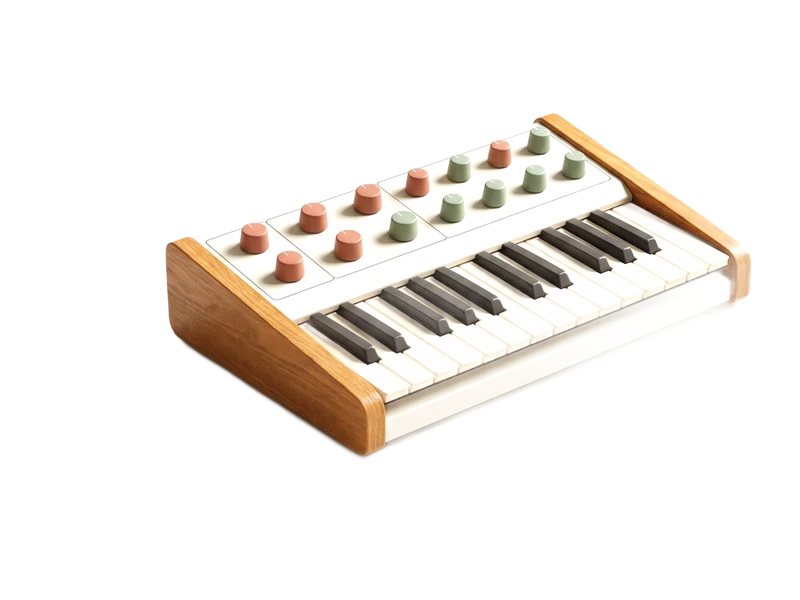
What’s wired up above
- Picturesdrop yours here
- Remove backgroundAnything, with a clear background
- FormatPNG, which keeps the transparency
- Saveto this device
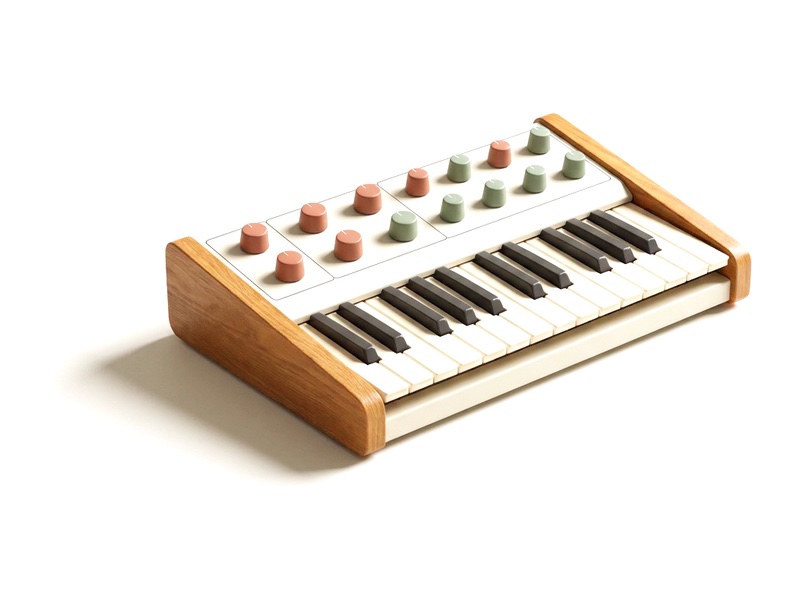
This is one automation in Weekend Studio’s node editor. Every step is a node you can change, and you can add more: a look, a crop, a border, a logo.
See how it worksHow to remove backgrounds in bulk
Add your photos
Drop them in the Pictures box on the left, or press Upload.
Say what to keep
Click Remove background: Anything, or People for portraits.
Clear or a color
Keep it transparent, or put the subject on a color such as white.
Run
Press Run: one image downloads as itself, several as one zip.
Two models, on your device
- Anything
- ISNet, for any kind of subject: products, objects, animals, people. About 180 MB, downloaded once, the first time you use it.
- People
- MODNet, made for people, and better on hair. About 26 MB.
With WebGPU (Chrome or Edge on a computer), a picture took about a third of a second on a Mac once the model was in. Without it, as in Safari on iPhone and iPad, each picture takes several seconds.
This isn’t generative AI: the model only decides which of your picture’s own pixels stay. Nothing is painted in.
More than a cut-out
Product photos on white: set Behind to Color and pick white, then add an Extend canvas node to make each one square.
Change only the background: the node’s Subject output is a mask. Wire it into another node to change only the subject, or only what’s behind it.
Save as PNG to keep the transparency. JPEG has none.
Other recipes
- Watermark photos
Your name, the year or your logo on every photo, in the same corner at the same size.
- Resize photos
A whole batch made 2048 px on its long side, or any size, as JPEG, PNG or WebP.
- Square crops
A square around each photo’s face or subject, then sized for posting.
- Pixel art
Photos into pixel art with real palettes: PICO-8, Game Boy, NES, C64 and more.
Questions
Is it free? Is there a limit?
Yes, it’s free, with no credits and no limit on the number of photos. It runs on your own device, so it costs nothing to run.
Are my photos uploaded?
No. The background is removed in your browser, on your device. Only the model comes down, once, from Weekend Studio.
Why is the first image slow?
The model is downloaded the first time: about 180 MB for Anything, about 26 MB for People. After that it’s ready, and each picture is quick.
Can I put the subject on white instead?
Yes. Set Behind to Color and choose white. Add an Extend canvas node if you want every picture square.
Is this AI?
It uses a segmentation model, which only decides which of your picture’s own pixels to keep. It doesn’t generate anything, so the results aren’t labeled AI.
Build your own
This recipe is a few nodes in Weekend Studio’s node editor. Add a look, a border, a second size or a logo, and it all runs in one go.
See how it worksMore free tools
Automations is one of the free Widgets in Weekend Studio Tools, with the image converter, the gallery maker and the PBR Texture Generator.
Open Tools Read the Tools docs