
Automations · Watermark photos
Watermark a whole batch of photos
Drop your photos, type your words, press Run. Every picture gets the same mark in the same corner, at the same share of its size. Free, no account.
- Free
- No account
- On your device
- Text or logo
- Any number of photos
What’s wired up above
- Picturesdrop yours here
- Text“© {year}” in the bottom right
- FormatJPEG at 92%
- Saveto this device
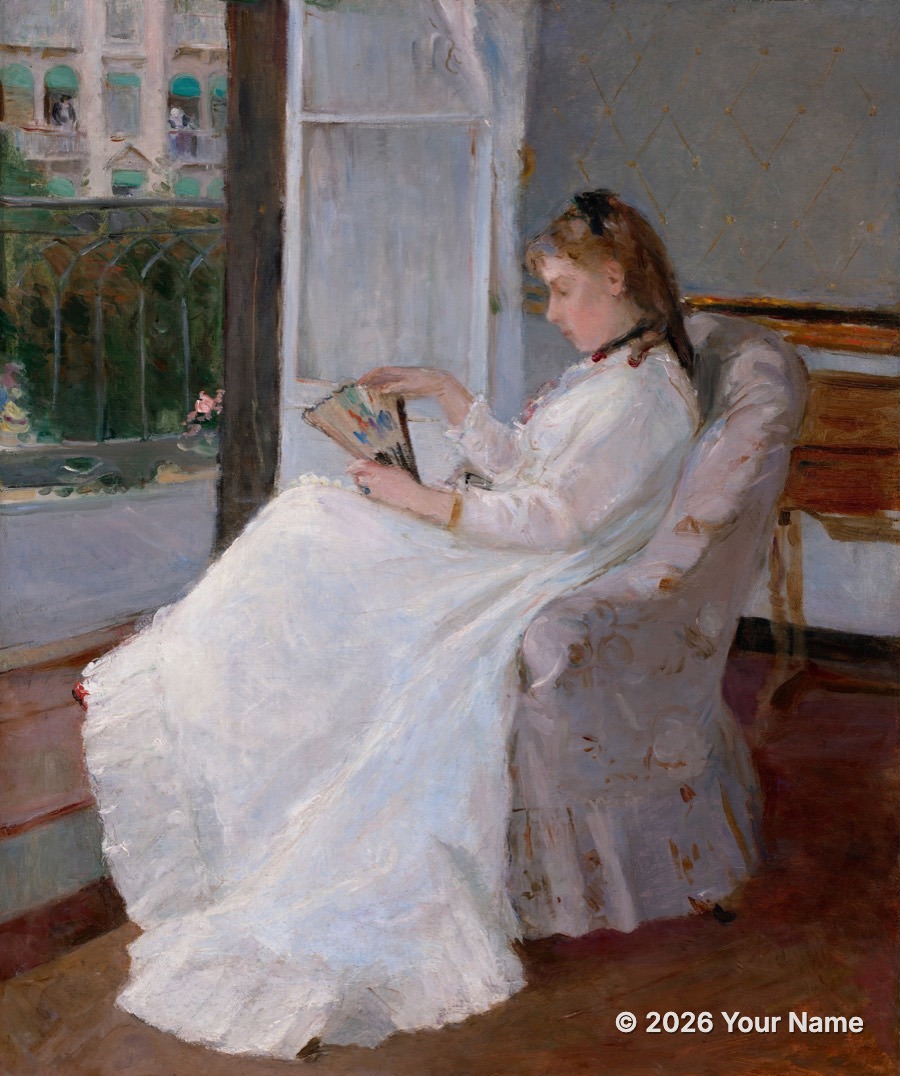
Example: Berthe Morisot, The Artist’s Sister at a Window, 1869, National Gallery of Art (public domain).
This is one automation in Weekend Studio’s node editor. Every step is a node you can change, and you can add more: a look, a crop, a border, a logo.
See how it worksHow to watermark your photos
Add your photos
Drop them in the Pictures box on the left, or press Upload.
Write the mark
Click Text and type your words. {year} becomes this year and {name} the file’s name.
Place it
Choose the corner, size, color, shadow and opacity while you watch the preview.
Run
Press Run: one photo downloads as itself, several as one zip.
The same mark on every size
The words’ size and margin are a share of each photo’s short side, so a portrait, a landscape and a square all get the mark at the same proportion and the same distance from the edge.
- Words
- Anything, with {year}, {date}, {name} and {index} filled in for each photo.
- Font and weight
- Regular, Bold or Heavy.
- Place
- Any corner, an edge’s middle or the center.
- Look
- Color, a soft shadow, opacity and blend mode.
A logo, or a pattern across the picture
Your logo: open the editor’s Automations menu and choose Logo on every picture. The Run window asks for your logo, and it’s placed at the same size and margin on every photo.
A tiled mark: right-click the canvas and add Tiled watermark. It repeats a picture across the photo at an angle, with its size, gap and opacity.
Your originals are never changed: the results are new files.
Other recipes
- Remove backgrounds
Cut out the subject of every photo and save transparent PNGs, on your device.
- Resize photos
A whole batch made 2048 px on its long side, or any size, as JPEG, PNG or WebP.
- Square crops
A square around each photo’s face or subject, then sized for posting.
- Pixel art
Photos into pixel art with real palettes: PICO-8, Game Boy, NES, C64 and more.
Questions
Is it free?
Yes. Watermarking and saving the photos to your device is free, with no account.
Are my photos uploaded?
No. The mark is added in your browser, on your device, and the photos are saved straight to it.
Will the watermark look the same on portrait and landscape photos?
Yes. Its size and margin are a share of each photo’s short side, so it sits at the same proportion on every shape.
Can I use my logo instead of text?
Yes. Choose Logo on every picture from the editor’s Automations menu, or add a Tiled watermark node to repeat your mark across the picture.
Does it change my original photos?
No. The results are new files, saved to your device.
Build your own
This recipe is a few nodes in Weekend Studio’s node editor. Add a look, a border, a second size or a logo, and it all runs in one go.
See how it worksMore free tools
Automations is one of the free Widgets in Weekend Studio Tools, with the image converter, the gallery maker and the PBR Texture Generator.
Open Tools Read the Tools docs