Weekend Studio · Tools · Image Convert
Resize images for Instagram
Cut one photo into a 4:5 feed post, a 9:16 story and a square at once, each framed on its own. Free, in your browser, no account needed.
- Free
- No account
- Runs in your browser
- 4:5 · 1080 × 1350
- 9:16 · 1080 × 1920
- 1:1 · 1080 × 1080
- Batches
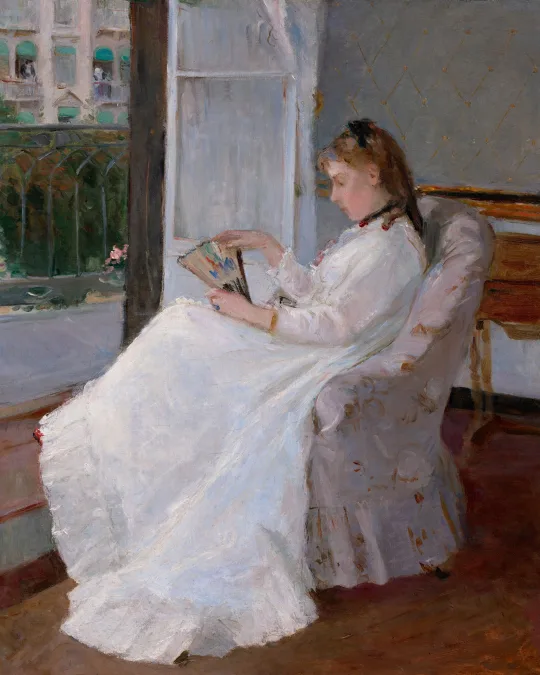 4:5
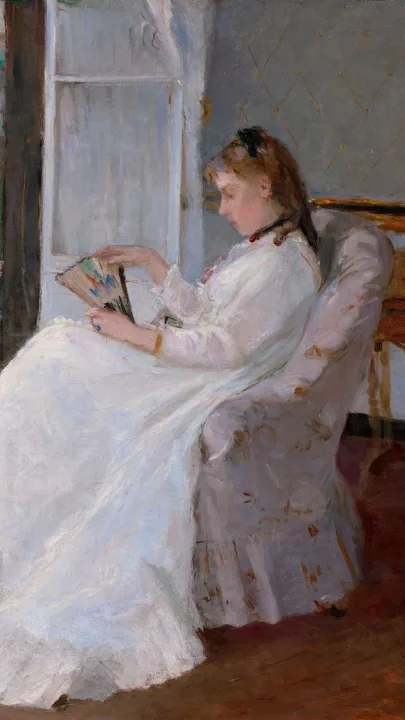 9:16
 1:1
Instagram's sizes, ready on every photo
Add a photo and it already has three crops, each the exact size Instagram asks for. Untick the ones you don't need.
Feed post
1080 × 1350 4:5
Portrait, and Instagram's long-standing feed size.
Story
1080 × 1920 9:16
The whole phone screen. Reels use the same size.
Square post
1080 × 1080 1:1
The classic, even-sided post.
Grid post
1080 × 1440 3:4
Taller still, and the shape of your profile grid's thumbnails. Under Presets.
The Presets menu on each crop also has TikTok, Facebook, YouTube thumbnail, X, LinkedIn and Pinterest sizes.
Each size framed on its own
A story is much narrower than a feed post, so the same middle cut rarely suits both. Each crop has its own box on the picture: drag it to frame that size, and the others stay where you put them.
- Locked shape
- The box keeps its ratio while you move and resize it, so nothing is ever squashed.
- Exact pixels
- Each file comes out at its size, such as 1080 × 1350, whatever the photo's size. A smaller photo is enlarged to it.
- Rotation
- Turn one crop inside the photo to straighten it, without turning the others.
- Your own sizes
- Add a crop for any ratio or pixel size you need.
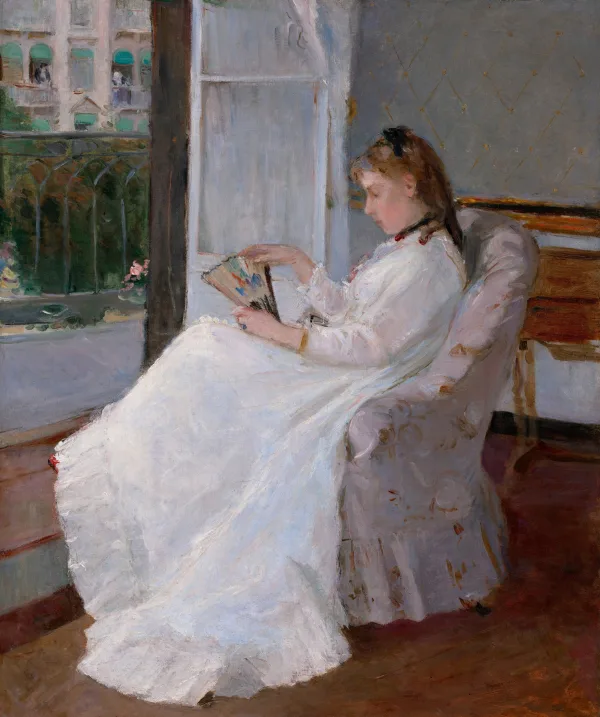 4:59:161:1
A whole batch at once
Drop a pile
Drop a folder's worth of photos, or press Upload. Every one gets its three sizes.
Copy the framing
Right-click a photo and Copy crops to the others you've selected. Each copy is refitted to that photo's shape.
One zip
Convert saves every size of every selected photo together, named like
IMG_0412 - Feed 4x5.jpg.Nothing lost
Your originals are never written over. If one photo can't be read, the rest still convert, and it's named so you know which.
How to use it
Add your photos
Drop them on the tool above, or press Upload. iPhone HEIC photos open too.
Frame each size
Pick a crop, Feed 4x5, Story 9x16 or Square, and drag its box on the picture.
Choose the file type
JPEG is what Instagram keeps, so the crops start as JPEG. PNG and WebP are there too.
Convert
Press Convert. One file downloads on its own; several come as a zip.
Carousels from one wide photo
Turn on Image grid on a crop and it's cut into tiles, each one the crop's shape and size. A 4:5 crop set to 3 × 1 makes three 1080 × 1350 slides that join up as you swipe, saved in a folder of their own and numbered in order.
Made for posting
For photographers, artists, small shops and anyone who posts often and is tired of Instagram cutting off the top of their picture. It runs on computers, tablets and phones, with nothing to install.
- Stories
- Posts
- Carousels
Questions
What size is an Instagram post?
A portrait post is 4:5, 1080 × 1350 pixels, Instagram's long-standing feed size. A square post is 1080 × 1080. A 3:4 post, 1080 × 1440, is the shape of the profile grid's thumbnails, so nothing is trimmed there.
What size is an Instagram story?
9:16, 1080 × 1920 pixels: the full height of a phone screen.
Will it stretch my photo?
No. Each crop box is locked to its shape, so the photo is cut to fit, never squashed. You choose what stays in the frame. A photo smaller than the size is enlarged to it.
Can I resize many photos at once?
Yes. Every photo you add gets the three sizes, and Convert saves every size of every selected photo together, in one zip.
Are my photos uploaded?
No. They're cropped, resized and saved in your browser, on your device. Nothing is sent anywhere.
Edit before you post
Fix the light and color in Weekend Studio Develop, whose export has these Instagram sizes too. Or paint, retouch and add text in Images.
Open Develop Open ImagesMore free tools
Image Convert is one of the free Widgets in Weekend Studio Tools, alongside automations, a gallery generator, video, a PDF editor, a 3D file converter and a PBR texture generator.
Open Tools Read the Tools docs