
Weekend Studio · Images
Paint watercolor online
A watercolor brush that behaves like paint on paper. Washes flow and bleed while they're wet, then dry with a soft edge and a darker rim. Free, in your browser, no account needed.
- Free
- No account
- Phone, tablet and computer
- Pen pressure
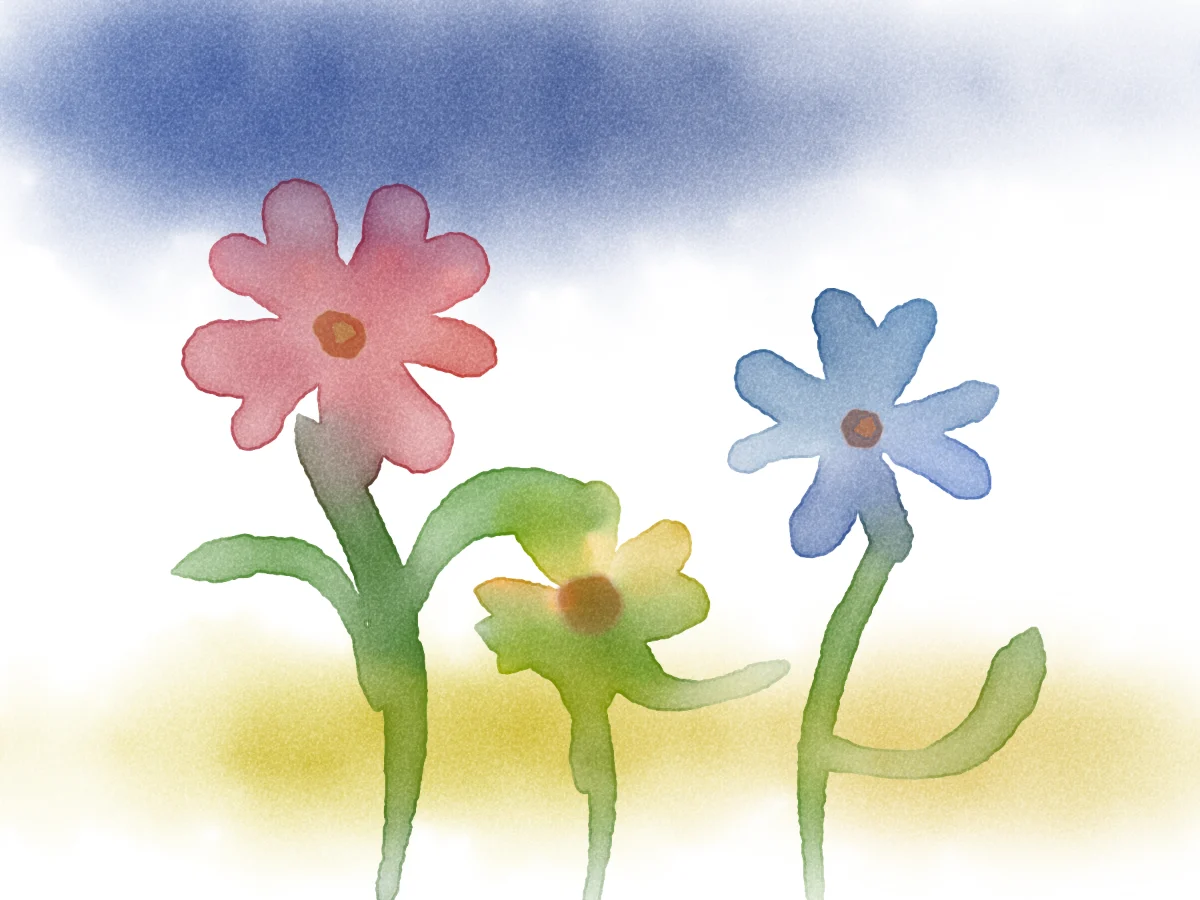
Try it here
The real brush, on a sheet of its own. Paint, then take it into Images to keep going.
Loads the brush when you tap. Nothing you paint is uploaded.
The brush couldn't load here. It needs WebGL 2; open Images instead.
Four ways to lay paint
Paint across, paper down: pick how wet each is, as you would with a real brush.
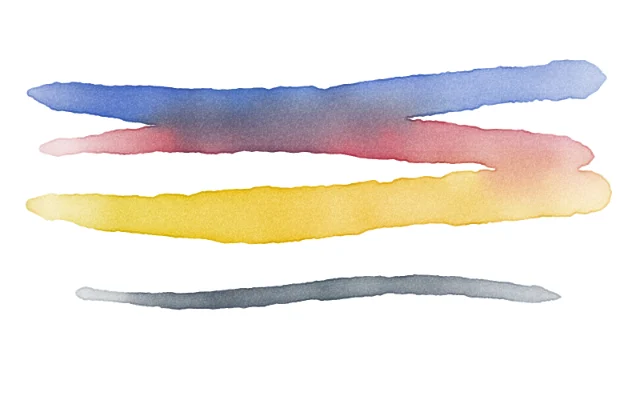
Wet on dry
Wet paint on dry paper. A crisp edge that dries with a rim, and washes laid side by side join.
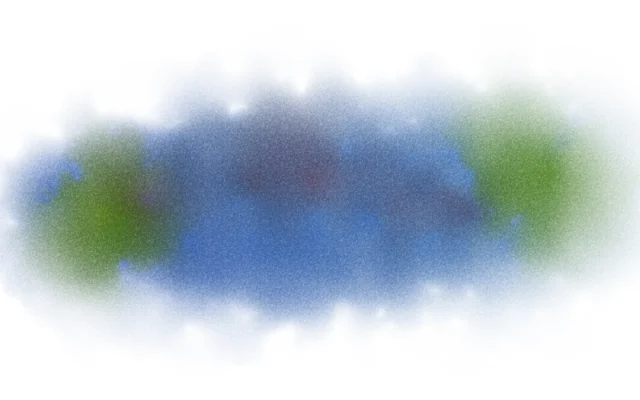
Wet on wet
Into wet paper. Paint runs and feathers past the brush, colors flow together, and there's no hard edge.
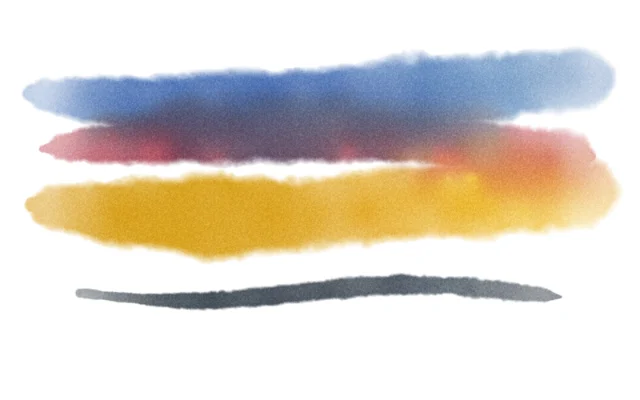
Dry on wet
Thick, thirsty paint into wet paper. Soft edges that feather a little and stop, with rich, concentrated color.
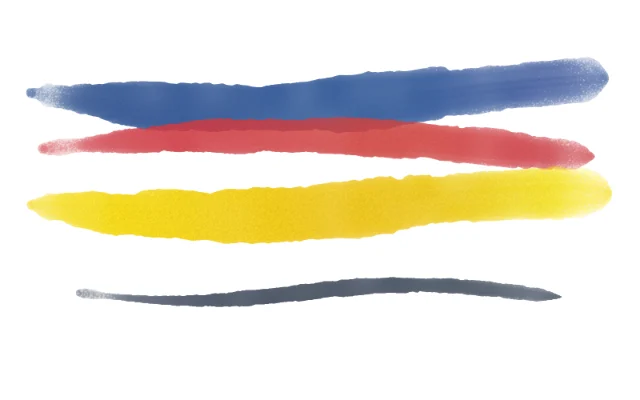
Dry on dry
A dry brush on dry paper. Thick paint that sits on top of what's there, with no flow and dry, broken edges.
Colors mix like pigment
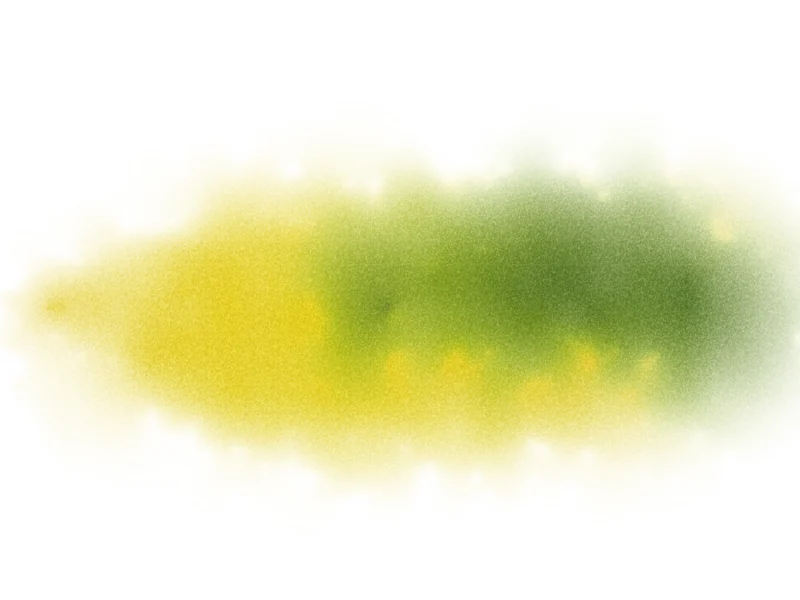
Drop blue into wet yellow and you get green, not gray. The brush mixes colors by how much light each pigment absorbs, the way paint does on paper, instead of averaging them on screen.
Edges, blooms and grain
A wash dries with a darker rim. Paint dropped into a wash that has started to settle pushes back and dries as a bloom. Pigment settles into the paper's grain, and a long stroke runs out of paint along the way.
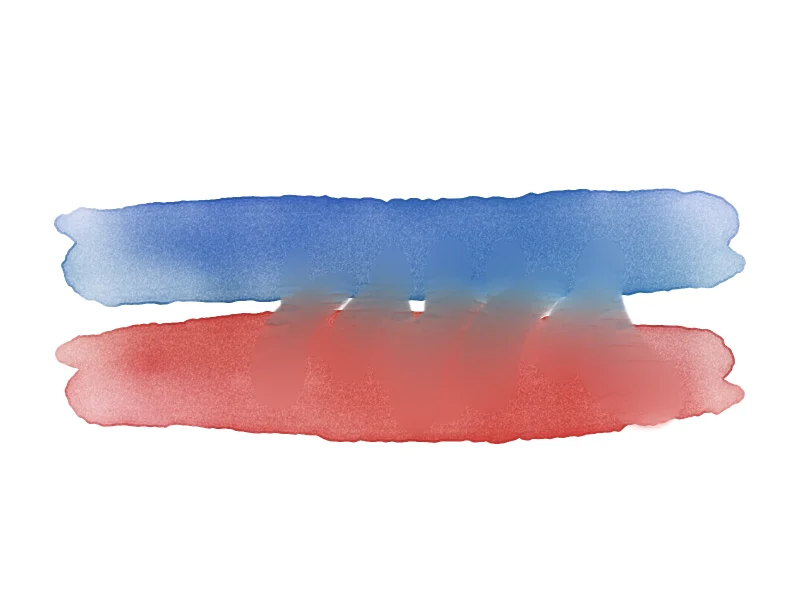
Blend with a clean, damp brush
Blend lays no paint. The colors under it soften into each other where they are, mixing as paint does, even after they've dried.
No two strokes the same
Wetness sets how much water the brush carries. Under Variance, Hue, Luminosity, Thickness and Wetness let each stroke stray a little from the last, the way a hand-mixed palette does.
Made for a pen
Pressure is paint
A light touch lays a pale wash, a firm one a full one. Apple Pencil, a pen tablet, a finger or a mouse all work.
Strokes with a point
Each stroke lands on a fine tip and swells to the brush's belly, then lifts off to a point. A quick flick comes out thinner than a slow pass.
Hold to straighten
Hold still at the end of a stroke and it straightens into a line, wet paint and all.
Then keep going in Images
Images is Weekend Studio's painting and photo editor. Your watercolor sits on layers beside pencils, inks, acrylic and oil, with selections, filters and text. Export a PNG, JPEG or WebP; on a computer, a Photoshop file with its layers.
Questions
- Is it free?
- Yes. Images works in your browser with no account, and your painting is kept on your device. An account adds saving to the cloud.
- Does it work on an iPad with Apple Pencil?
- Yes. Pressure sets how much paint the brush lays. It also works with a mouse, a finger, or a pen tablet on a computer.
- Is it AI?
- No. The brush simulates water and pigment on paper as you paint. Nothing is generated.
- How do I save my painting?
- Export it from Images as a PNG, JPEG or WebP. On a computer you can also save a Photoshop file with its layers.