Weekend Studio · Sketchbook
A free digital notebook for typing, writing and drawing
Sketchbook keeps notebooks of notes you type, write by hand and draw in, on lined, dot, grid or plain paper. Apple Pencil writes with pressure and tilt, and your palm is ignored. Drop pictures, tables and charts onto the page. Free in your browser, with no account.
Start a notebook How Sketchbook works
- Free
- No account
- Apple Pencil
- Palm rejection
One page for everything
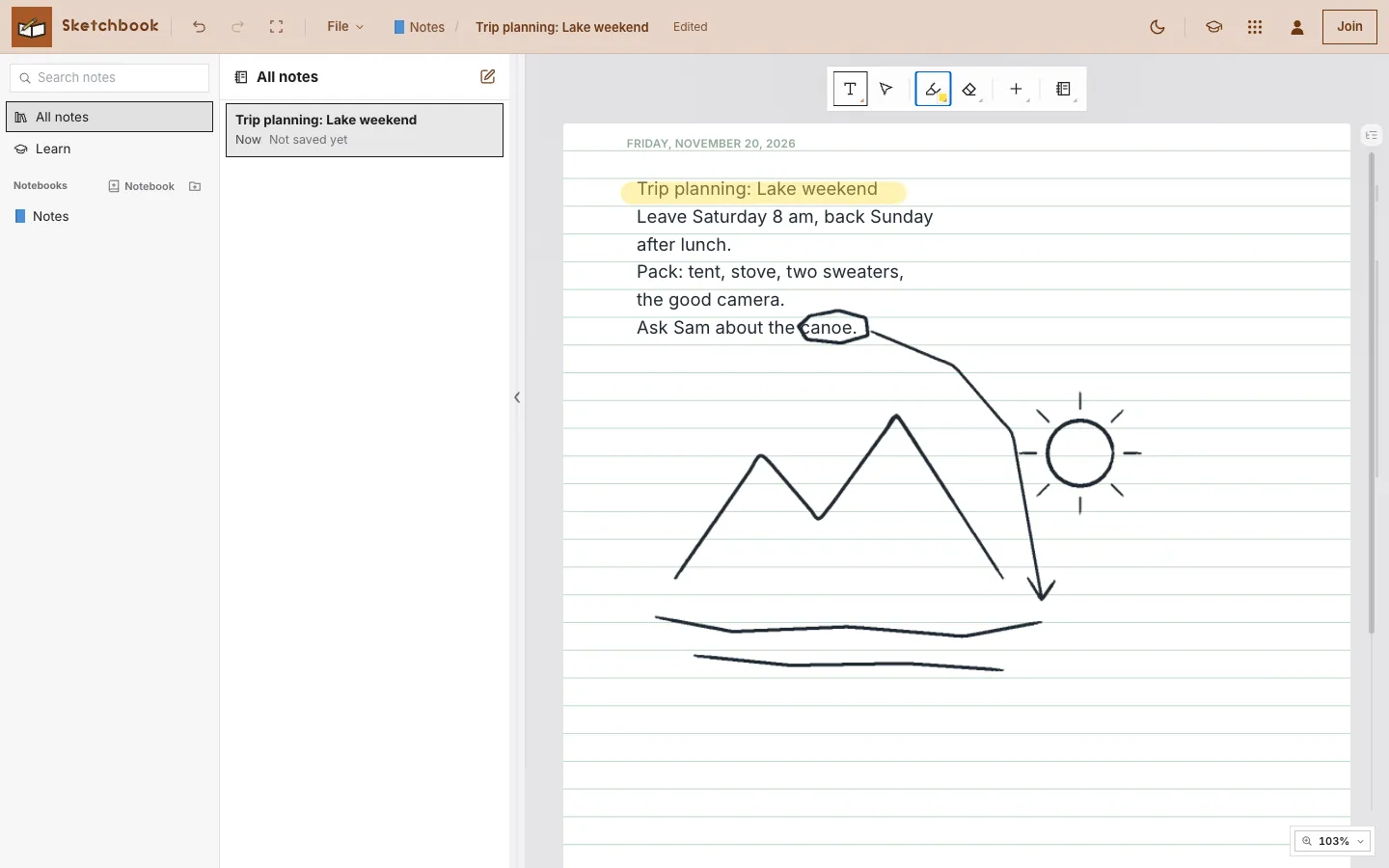
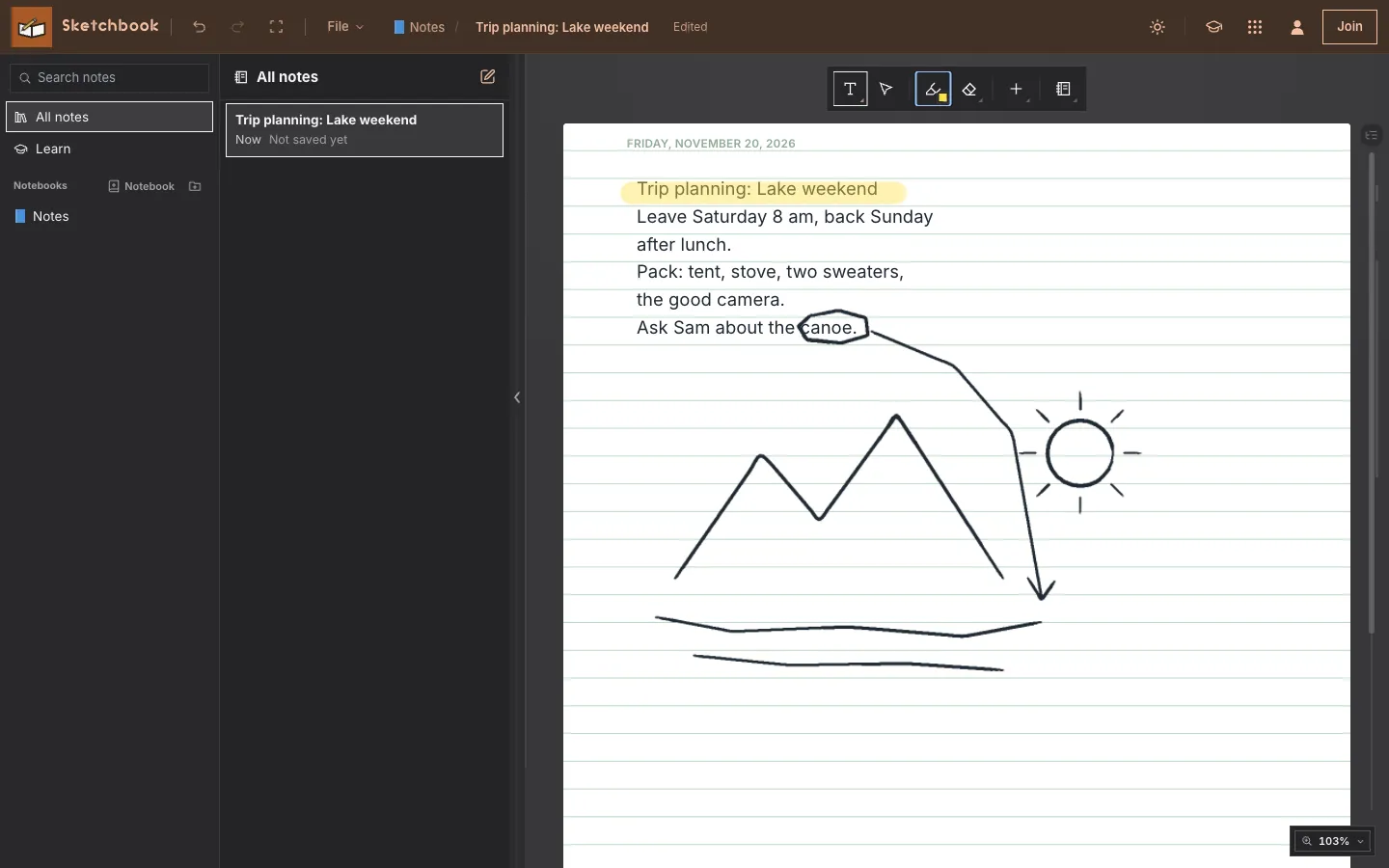
A note is one long sheet: type on it, write on it and draw on it, in any order.
Type
Type anywhere on the page with the Text tool. Keep writing with the Pencil while you type.
Write by hand
Pen, Pencil, Marker and Highlighter, in eight colors or any color you pick, with pressure and tilt.
Draw
The Brush pen has a shelf of its own: fineliner, dry ink, 6B pencil, charcoal, pastel, watercolor, oil, acrylic, airbrush, spray and stipple.
Made for a pen
- Apple Pencil draws whenever a pen is chosen. Once a pen has been seen, fingers stop drawing: one finger scrolls and two pinch to zoom.
- Palm rejection: touches near the pen are taken for your palm and ignored.
- Pressure and tilt shape every stroke, sample by sample.
- Undo with your fingers: a two-finger tap undoes and a three-finger tap redoes.
- Your settings: File › Preferences › Stylus sets pressure, tilt, smoothing and what fingers do: Auto, Draw, or Pan and zoom.
Paper you choose
- Lined, Dots, Grid or Plain, with narrow, medium or wide lines.
- White, Cream, Gray, Legal or Blue paper, with the date at the top if you want it.
- Notebooks with a cover color each, folders, notes pinned to the top, and Search notes across all of them.
Drop anything onto the page
- Shapes, tables and charts that stay editable on the page.
- Pictures from your device or the suite's Library of photos and art, and from your Cloud as a member.
- Web pages embedded on the note.
- A calculator, Basic or Scientific, right beside your working.
Study from a free book
Sketchbook's Learn shelf holds free, public-domain and openly licensed books on math, science, drawing and painting, and coloring.
A book opens beside your note. Add page or Add to note puts what you're reading onto your page, to write over, practice from or color in.
On a phone or tablet
On a phone the tools move to the bottom of the screen and ride above the keyboard as you type, and your notebooks slide over the page from the Notes button. A tablet gets the whole layout, with the pen.
Taking it with you
File › Export › PDF saves the note as A4 pages, and File › Print sends it to your printer. Save to device… writes the note as one file you can open again.
Free, plainly
Sketchbook is free. No account needed. Without an account your notes save in this browser on this device; clearing the browser's data clears them. A membership syncs them everywhere you sign in, with version history and sharing.
A membership is optional. It adds 100 GB of Cloud storage synced across your devices, sharing and live collaboration, generative AI if you want it, working from your AI assistant (MCP), and posting on Cauchii. Its price shows in your own currency when you choose Log in in the bar above and become a member, and it renews until you cancel. What membership adds.
Questions
Is Sketchbook free?
Yes. Sketchbook works in your browser with no account, and your notes are kept on your device. A membership syncs them to every device you sign in on.
Does it work with Apple Pencil?
Yes. The Pencil writes with pressure and tilt, your palm is ignored, and fingers scroll and zoom instead of drawing once the Pencil has been used.
Can I type and handwrite in the same note?
Yes. A note is one sheet you type on, write on and draw on, and the Pencil keeps writing while you type.
What paper can I use?
Lined, dots, grid or plain, with narrow, medium or wide lines, on white, cream, gray, legal or blue paper.
Can I save my notes as a PDF?
Yes. File › Export › PDF saves a note as A4 pages, and File › Print sends it to your printer.
Does it work on a phone?
Yes. On a phone the tools sit at the bottom and stay above the keyboard while you type, and your notebooks slide over the page.