Weekend Studio · Vectors
Illustrator on a Chromebook? Vector design in Chrome
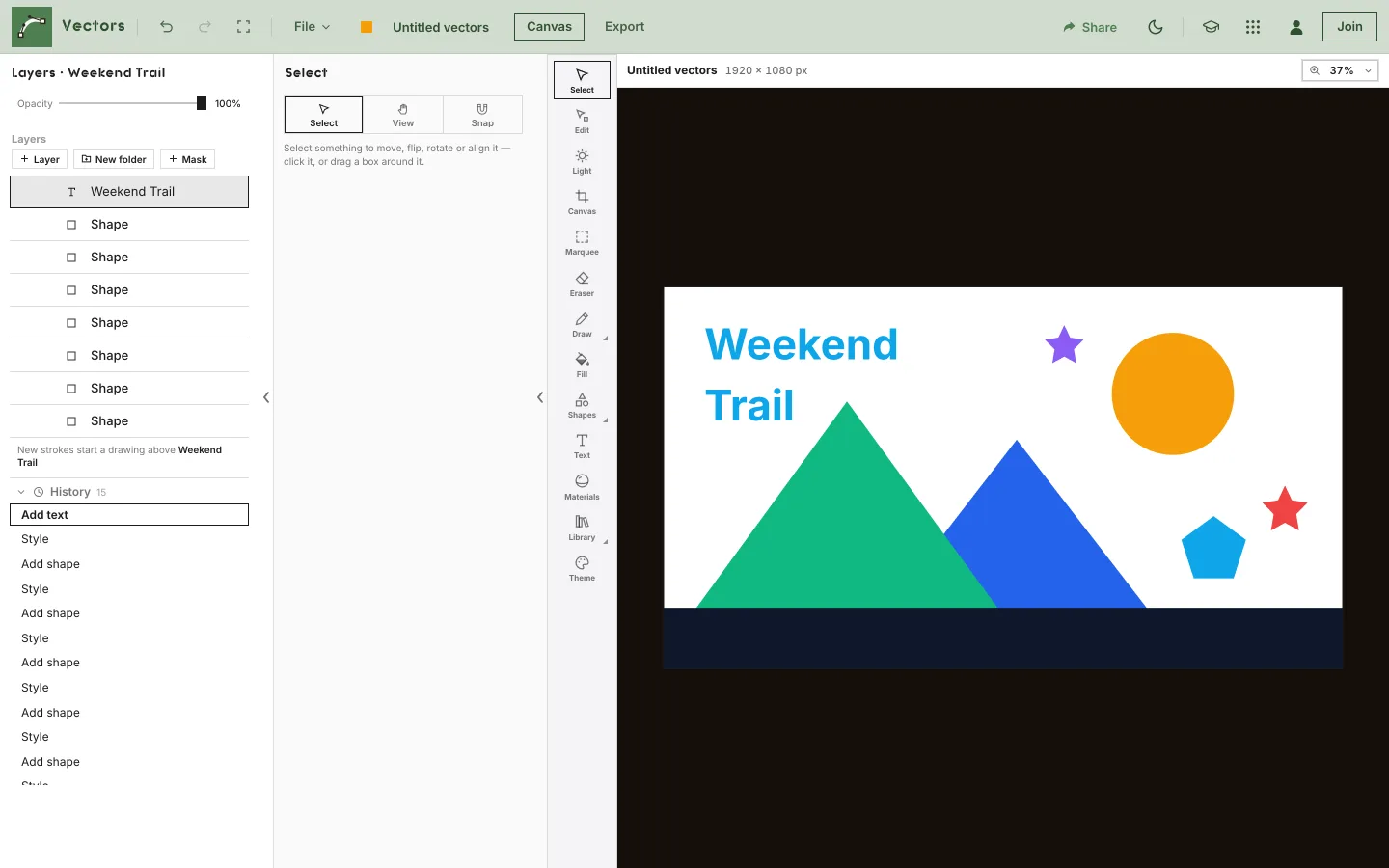
Adobe Illustrator on desktop is for Windows and macOS. Vectors, Weekend Studio's vector editor, runs in Chrome on a Chromebook: pen paths, shapes, live booleans and text, with SVG and Illustrator files in and a print PDF out. Free, with no account.
- Free
- No account
- Runs in Chrome
- Opens .ai and SVG
Illustrator and Chromebooks, plainly
What Adobe's own help says, as of November 2026.
On desktop: Windows and macOS
Adobe's requirements for Illustrator on desktop list Windows and macOS.1
On the web: a beta
Adobe says to open Chrome or Microsoft Edge and go to Illustrator on the web (Beta).2 Its help doesn't say whether ChromeOS is supported.
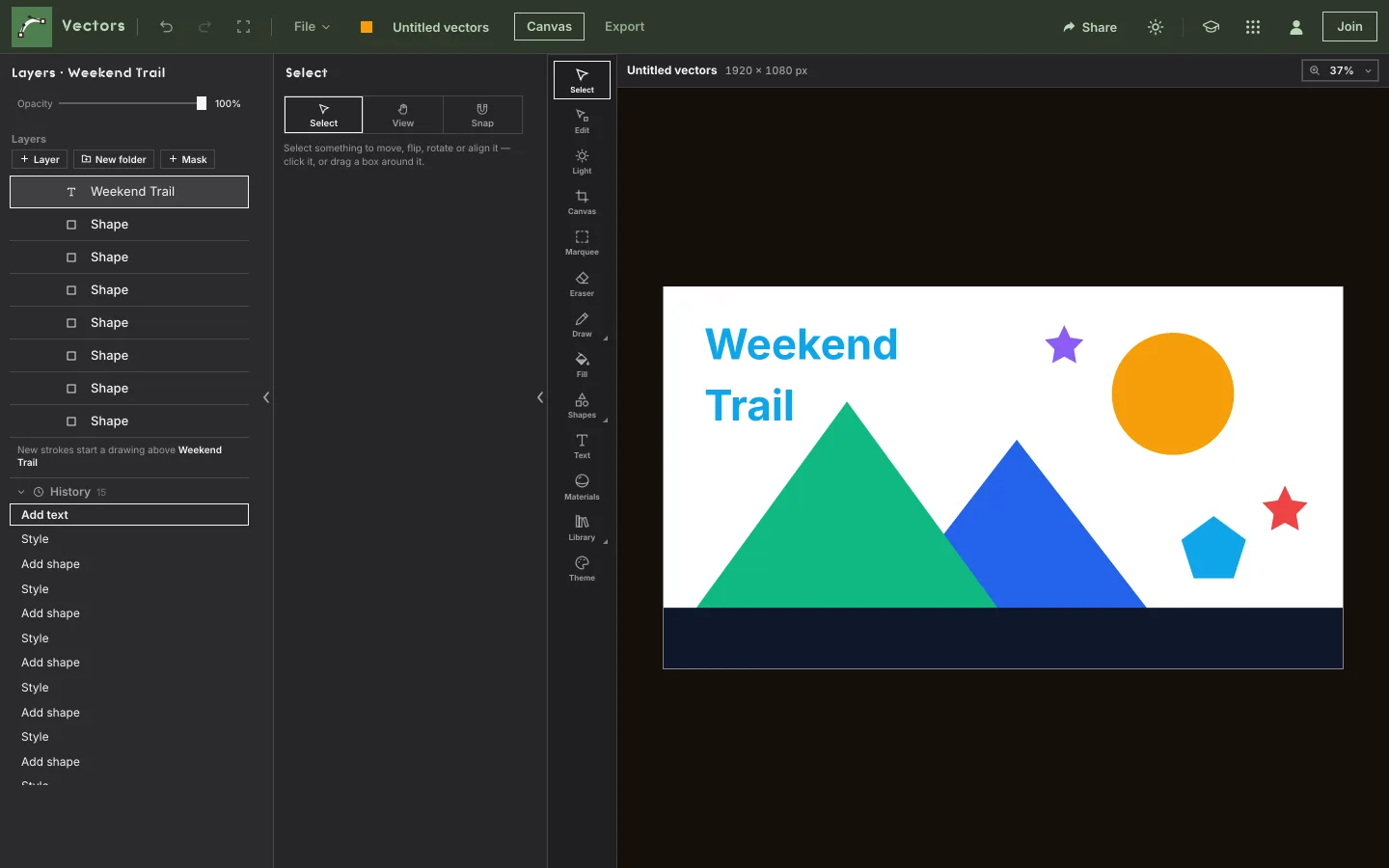
Vectors: a web page
Runs in Chrome on a Chromebook, with nothing to install and no account.
Where Illustrator is the better choice
If you do vector work for design and print, Illustrator does a lot that Vectors doesn't. Plainly:
- Image Trace turns a raster picture into editable vector artwork.3
- Many artboards in one file, for several designs side by side.4 A Vectors drawing has one page.
The whole comparison, feature by feature: Illustrator alternative.
What Vectors does
- Drawing: a pen tool with Bézier handles, freehand strokes that follow pen pressure, and point editing with corners, curves, cut and round.
- Shapes: ten of them, from rectangles and stars to arrows, with corners, strokes and fills.
- Live modifiers: a cloner, symmetry, and a boolean (unite, subtract, intersect, exclude) that keep working as you change what's inside.
- Text: headings that follow a path, paragraphs with lists, and convert to paths.
- SVG, .ai and PDF: opens SVG and Illustrator (.ai) files as editable shapes, text and layers; saves SVG, and a print PDF that keeps shapes, gradients and masks as vectors.
- More on a Chromebook: every Weekend Studio app and free tool that runs on one.
Questions
Does Adobe Illustrator work on a Chromebook?
Illustrator on desktop is for Windows and macOS. Adobe's Illustrator on the web is a beta that opens in Chrome or Microsoft Edge; its help doesn't say whether it supports ChromeOS.
Can I open .ai and SVG files on a Chromebook?
Yes. Vectors opens SVG and Illustrator (.ai) files in Chrome as shapes, text and layers you can edit, and saves SVG or a print PDF.
Does it work with a stylus?
Yes. Freehand strokes follow pen pressure when the pen reports it to the browser, and the settings under File › Preferences › Stylus apply.
Is it free?
Yes. Vectors works with no account, and your drawings are kept in your browser on the Chromebook. A paid membership adds cloud storage, sharing and live collaboration.
Is Weekend Studio connected to Illustrator?
No. Weekend Studio is made by Weekend Industries and has no connection to Illustrator or Adobe. Illustrator is named here only to compare.
Sources
What this page says about Illustrator, and where it comes from. Checked November 25, 2026.
- https://helpx.adobe.com/illustrator/desktop/get-started/learn-the-basics/technical-requirements.html: Illustrator on desktop, technical requirements: Windows and macOS.
- https://helpx.adobe.com/illustrator/web/get-set-up/access-the-app/access-illustrator-web.html: Access Illustrator on the web: open Chrome or Microsoft Edge; Illustrator on the web (Beta).
- https://helpx.adobe.com/illustrator/desktop/manage-objects/traces-mockups-symbols/image-trace-panel-options.html: Illustrator help, Image Trace panel options.
- https://helpx.adobe.com/illustrator/desktop/create-manage-artboards/add-edit-artboards/introduction-to-artboards.html: Illustrator help, introduction to artboards.
Adobe and Illustrator are either registered trademarks or trademarks of Adobe in the United States and/or other countries, named here only to compare. Chromebook and ChromeOS are trademarks of Google LLC. Weekend Studio isn't affiliated with, endorsed by or sponsored by Adobe or Google. Seen something out of date? Tell us and we'll fix it.