Automations · White background
Put product photos on a white background
Drop your product photos and press Run. Each comes back on pure white, made square and 2000 px on its long side, as a JPEG. A whole batch at once, on your own device.
- Free
- No account
- Whole batches
- Pure white
- Square
- On your device
What’s wired up above
- Picturesdrop yours here
- Remove backgroundAnything, on white
- Extend canvassquare, white at the sides
- Resize2000 px, never enlarged
- FormatJPEG at 92%
- Savenamed “name-white”
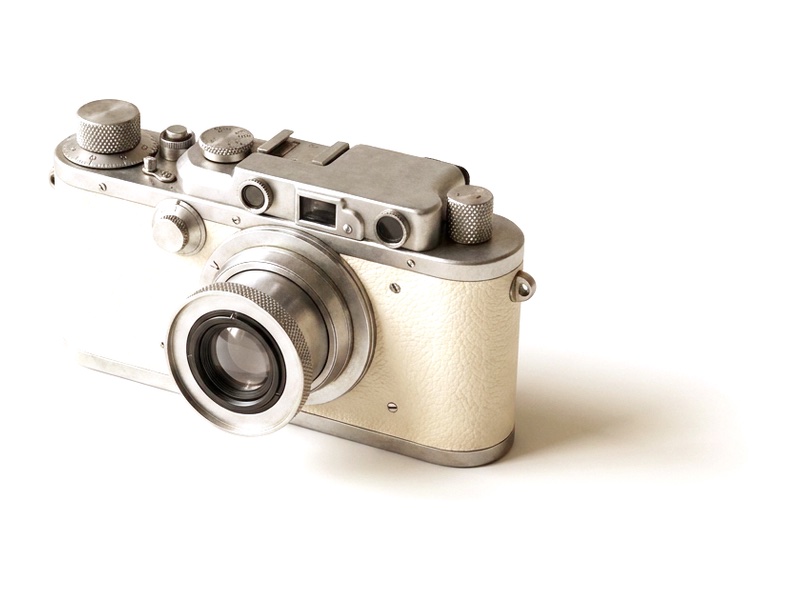
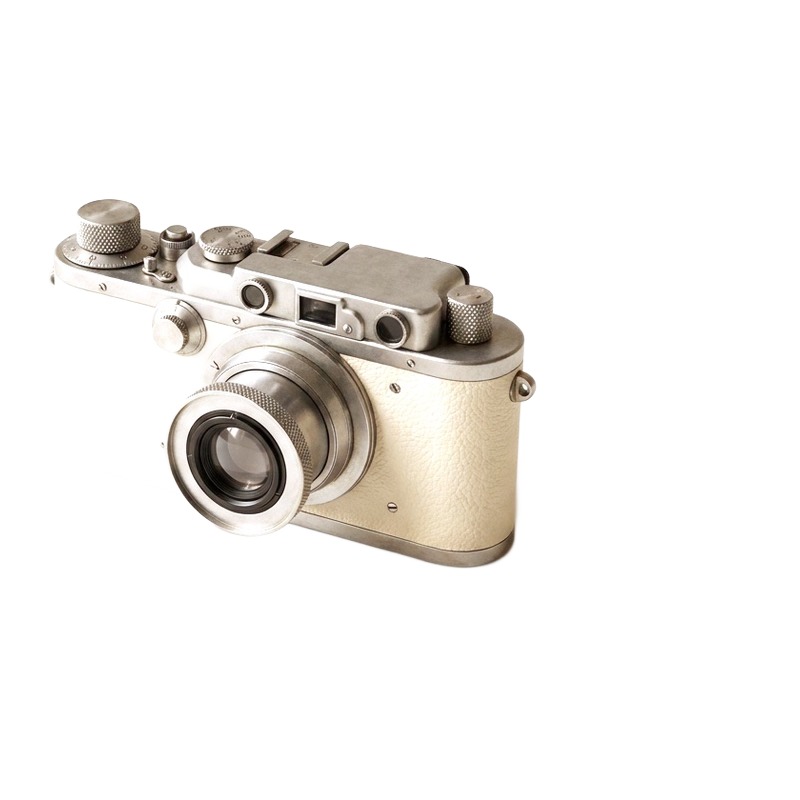
Example: one of Weekend Studio’s own product photos. It’s 800 px wide, so it stays 800: Resize never enlarges a photo unless you ask it to.
This is one automation in Weekend Studio’s node editor. Every step is a node you can change, and you can add more: a border for room all round, your logo, a second size.
See how it worksHow to make product photos white
Add your photos
Drop them in the Pictures box on the left, or press Upload.
Check each one
Click Remove background to see each photo’s cut-out. Press Add or Remove under the preview and draw across any mistake.
Set the size
Click Resize for another size, or Extend canvas for another shape.
Run
Press Run: one photo downloads as itself, several as one zip.
Pure white, not near white
A backdrop that looks white in a photo is usually gray or cream, with a shadow under the product. Remove background takes the product out and puts it on a color you choose, white to start with, so every pixel around it is pure white (#ffffff) and every photo in the batch matches.
The shadow goes with the backdrop. There’s no made-up shadow added back.
Square, with nothing cut off
Extend canvas adds white at the sides, or at the top and bottom, until the photo is square. It never crops, so a tall bottle or a wide bag stays whole.
For room on every side, add a Border node before it, in white: it adds a width you choose, as a share of the photo, all round.
Products, not people
This recipe uses Anything (ISNet, about 180 MB, downloaded once), which is made for objects. For portraits on white, switch to People (MODNet, about 26 MB), which is better on hair.
Glass, lace and fine wire are hard for any model. Check those in the preview, and press Add or Remove under the preview and draw across what’s wrong: the whole object under the line is added back or taken out. Those fixes belong to that photo alone.
The file
A JPEG at 92%, 2000 px on its long side, named after your photo with “-white” on the end. Click Format for PNG or WebP, or another quality, and Resize for another size.
With WebGPU (Chrome or Edge on a computer) each photo takes well under a second once the model is in. Safari takes several seconds a photo.
Other recipes
- Remove backgrounds
Cut out the subject of every photo in a batch and save transparent PNGs.
- Square without cropping
Photos made square by adding white or a blurred copy at the sides.
- Watermark photos
Your name, the year or your logo on every photo, in the same corner.
- Resize photos
A whole batch made 2048 px on its long side, or any size, as JPEG, PNG or WebP.
Questions
Is it free?
Yes. Putting your photos on white and saving them is free, with no account and no credits, however many photos there are.
Are my photos uploaded?
No. Everything runs in your browser, on your device. Only the model comes down, once, from Weekend Studio.
Is the background really pure white?
Yes. Everything around the product is #ffffff, the same in every photo. The file is a JPEG, which has no transparency, so there’s nothing in between.
Can I keep the shadow?
No. The shadow is part of the backdrop, so it’s removed with it, and none is added back.
Can I make them 1000 px, or 4:5?
Yes. Click Resize for another size, and Extend canvas for another shape, such as 4:5 or a preset for a social post.
What if it cuts off part of a product?
Click Remove background, press Add under that photo’s preview and draw across the missing part. The whole part comes back, and only that photo changes.
Build your own
This recipe is a few nodes in Weekend Studio’s node editor. Add a border, your logo, a second size or a PDF contact sheet of the batch, and it all runs in one go.
See how it worksMore free tools
Automations is one of the free Widgets in Weekend Studio Tools, with the image converter, the gallery maker and the PBR Texture Generator.
Open Tools Read the Tools docs