Automations · JPG to PNG
Convert JPG to PNG
Drop your JPEGs and press Run. Each comes back as a PNG with the same name, every pixel as the JPEG had it. It runs on your own device, so it’s free and nothing is uploaded.
- Free
- No upload
- No account
- Whole batches
- Lossless from here on
- Same pixels
What’s wired up above
- Picturesdrop your JPEGs here
- FormatPNG
- Savethe same name, ending .png
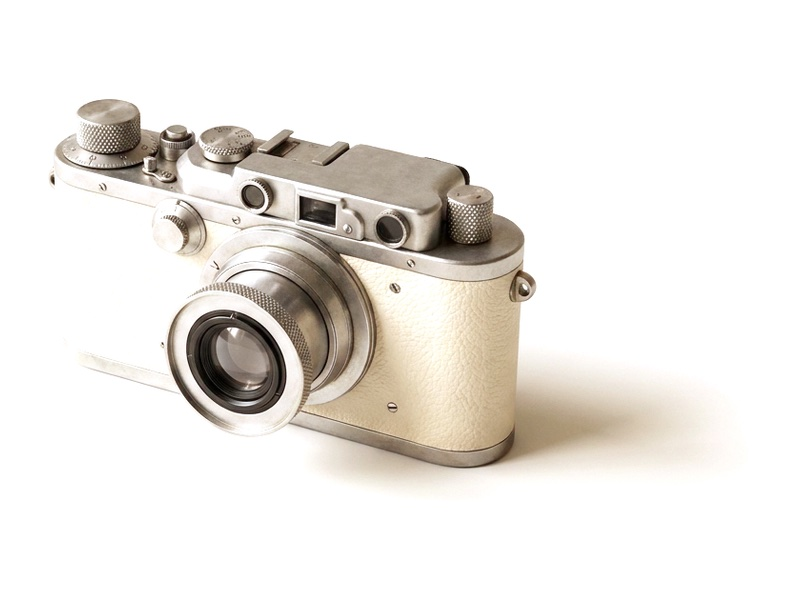
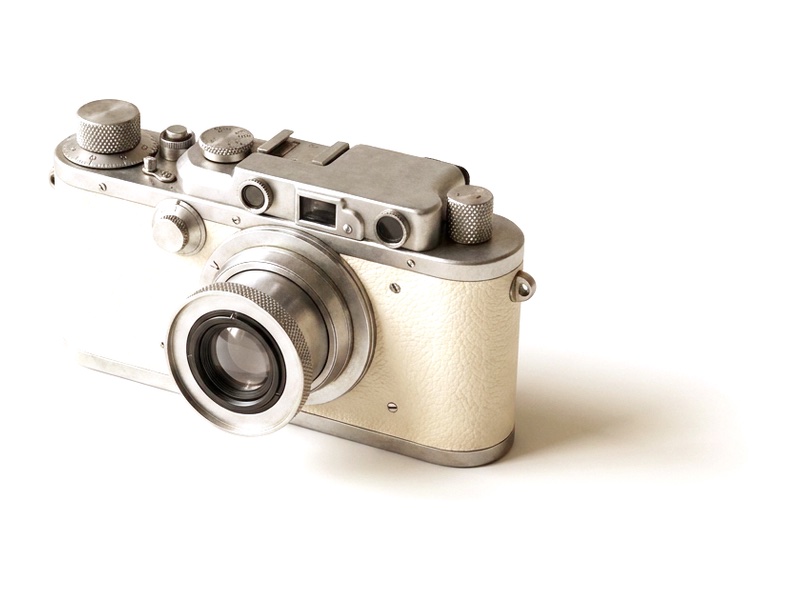
Example: one of Weekend Studio’s own product photos. The two look the same because they are: the PNG holds the JPEG’s pixels exactly. Sizes measured with this page’s own recipe in Chrome. Another browser’s files differ a little.
This is one automation in Weekend Studio’s node editor. Every step is a node you can change, and you can add more: a background removal, a crop, a resize, a border.
See how it worksHow to convert JPG to PNG
Add your JPEGs
Drop them in the Pictures box on the left, or press Upload.
Leave Format on PNG
There’s no quality to set: a PNG keeps every pixel, so Quality isn’t shown.
Run
Press Run: one picture downloads as itself, several as one zip.
It won’t look better
A JPEG has already thrown detail away, and nothing brings it back. The PNG is an exact copy of what the JPEG shows now, blocks and haze included. What it stops is any more loss.
That matters when a picture will be opened, changed and saved again and again. Each time a JPEG is saved it loses a little more. A PNG doesn’t, however many times it’s saved.
It will be bigger
Lossless costs space. The photo above is 69 KB as a JPEG and 340 KB as a PNG, about five times the size, for the same picture. A detailed 12-megapixel phone photo can pass 15 MB.
So don’t convert photos to PNG to save room or to post them. Convert when something asks for a PNG, or when you’re about to edit.
It won’t be transparent
PNG can hold transparency, but converting doesn’t make any. A JPEG’s white background is white pixels, and they stay white in the PNG.
To get a transparent PNG, the background has to be removed, which is a different job: remove the background from an image does it and saves a PNG.
When a PNG is the right file
- An app or a form that asks for PNG
- Some print shops, sticker makers, game engines and upload forms take only PNG.
- Before editing
- Convert once, edit and save as often as you like, and export a JPEG at the end.
- Screenshots and scans of text
- If you’ll add to them later, PNG keeps the letters as crisp as they are now.
A photo that a phone saved on its side is turned the right way up first, so it opens upright everywhere. The new file holds the picture and nothing else: camera details and a location saved in the original aren’t copied into it.
Other recipes
- PNG to JPG
PNGs saved as JPEGs, with white where they were transparent.
- Remove background
One photo’s background made transparent, its edges checked and fixed by hand.
- PNG to WebP
PNGs saved as much smaller WebP files, their transparency kept.
- Upscale
Small photos made 2×, 3× or 4× bigger with AI upscaling, on your device.
Questions
Is it free?
Yes. Converting and saving is free, with no account and no limit on how many pictures. It runs on your own device, so it costs nothing to run.
Are my pictures uploaded?
No. They’re opened, converted and saved in your browser, on your device.
Does converting JPG to PNG improve quality?
No. The PNG is an exact copy of the JPEG’s pixels, so it looks the same. What it does is stop any further loss when the picture is saved again.
Why is the PNG so much bigger?
PNG keeps every pixel exactly, and photos don’t pack well that way. The example went from 69 KB to 340 KB. That’s normal for a photo.
Will the background be transparent?
No. Converting keeps the picture as it is, background included. To make it transparent, use the remove background recipe, which saves a transparent PNG.
Can I convert many JPEGs at once?
Yes. Drop as many as you like. They’re converted one after another and downloaded together as one zip.
Build your own
This recipe is three nodes in Weekend Studio’s node editor. Put Remove background before Format for transparent PNGs, or add a Crop or a Resize, and it all runs in one go.
See how it worksMore free tools
Automations is one of the free Widgets in Weekend Studio Tools, with the image converter, the gallery maker and the PBR Texture Generator.
Open Tools Read the Tools docs