
Automations · PNG to WebP
Convert PNG to WebP
Drop your PNGs and press Run. Each comes back as a WebP at 90% quality: a fraction of the size, with its transparency kept. It runs on your own device, in Chrome, Edge or Firefox.
- Free
- No upload
- No account
- Whole batches
- Keeps transparency
- Lossless at 100%
What’s wired up above
- Picturesdrop your PNGs here
- FormatWebP at 90%
- Savethe same name, ending .webp
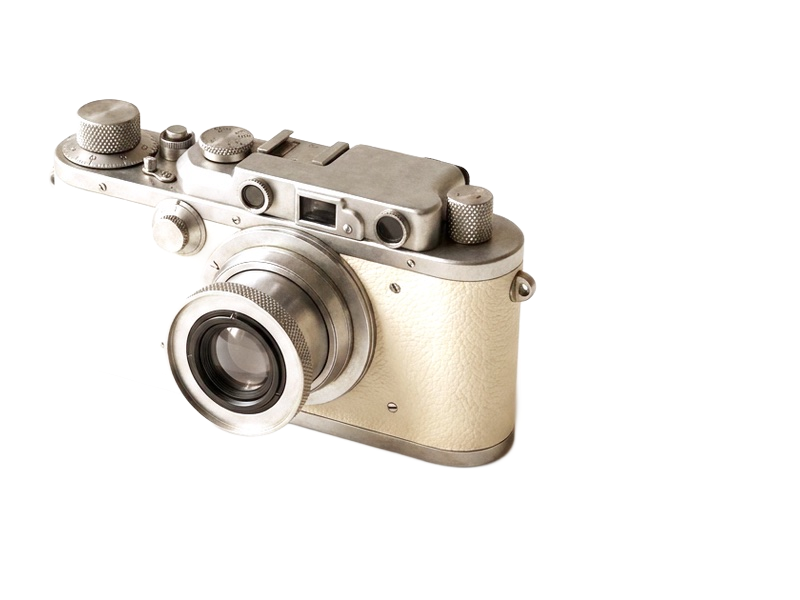
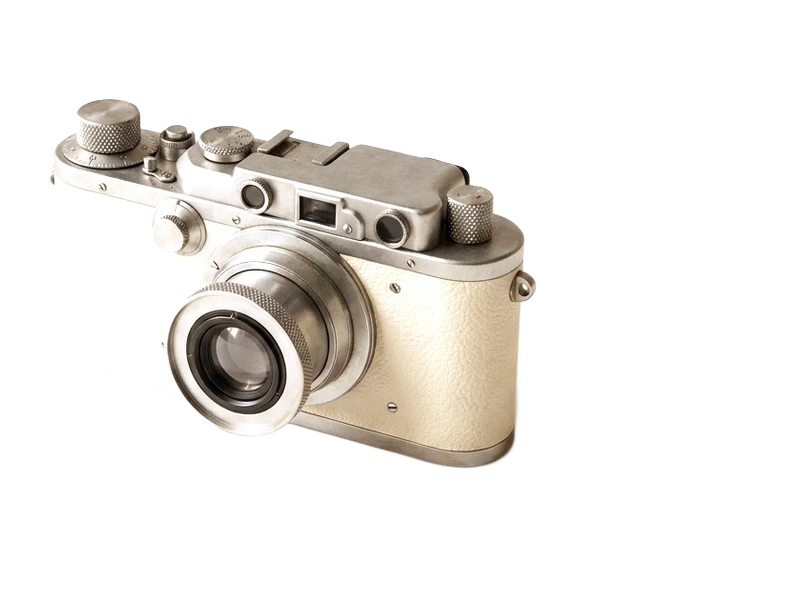
Example: one of Weekend Studio’s own product photos, cut out. Both are shown on a checkerboard. Sizes measured with this page’s own recipe in Chrome. Another browser’s files differ a little.
This is one automation in Weekend Studio’s node editor. Every step is a node you can change, and you can add more: a resize for the width your site shows, a crop, a second file type.
See how it worksHow to convert PNG to WebP
Add your PNGs
Drop them in the Pictures box on the left, or press Upload.
Set the quality
Click Format. Quality starts at 90%. Set it to 100% for a lossless WebP.
Run
Press Run: one picture downloads as itself, several as one zip.
How much smaller
The same 800 × 600 cut-out, from one PNG:
| File | Size |
|---|---|
| PNG | 306 KB |
| WebP at 100% (lossless) | 214 KB |
| WebP at 90% | 58 KB |
| WebP at 75% | 42 KB |
At 90% the WebP is under a fifth of the PNG, and still transparent. That’s why it’s the usual file for pictures on a website: pages load sooner.
Lossy, or lossless at 100%
Below 100%, WebP is lossy, like a JPEG: it gives up detail you mostly can’t see. In Chrome and Edge, 100% switches to lossless WebP: every pixel is exactly the PNG’s, in a smaller file.
Use lossless for pixel art, screenshots with small text and anything you’ll edit again. Use 80 to 90% for photos and cut-outs on a web page.
Transparency stays
Unlike a JPEG, a WebP can be transparent, at any quality. Clear backgrounds and soft, partly clear edges are kept, so a logo or a cut-out sits on any page color.
That makes WebP the format to reach for when a transparent PNG is too heavy and a JPG would put it on a white box.
Where it works, and where it doesn’t
- Showing a WebP
- Every current browser shows WebP, and so do current phones and computers. Some older apps and upload forms don’t: for those, keep the PNG or make a JPG.
- Making one here
- The browser writes the file. Chrome, Edge and Firefox write WebP. Safari can’t save WebP: there, on a Mac, an iPhone or an iPad, the run stops and says so, and nothing wrong is saved.
The new file holds the picture and nothing else: camera details and a location saved in the original aren’t copied into it.
Other recipes
- WebP to PNG
WebP pictures saved as PNGs, their transparency kept.
- PNG to JPG
PNGs saved as JPEGs, with white where they were transparent.
- Compress images
Smaller JPEG or WebP files by quality, or under a size you type.
- Resize photos
A whole batch made 2048 px on its long side, or any size, as JPEG, PNG or WebP.
Questions
Is it free?
Yes. Converting and saving is free, with no account and no limit on how many pictures. It runs on your own device, so it costs nothing to run.
Are my pictures uploaded?
No. They’re opened, converted and saved in your browser, on your device.
Does WebP keep the transparent background?
Yes, at any quality. Clear and partly clear parts of the PNG are the same in the WebP.
Is the WebP lossless?
At 100% quality in Chrome and Edge, yes: every pixel matches the PNG. Below 100% it’s lossy, and much smaller.
How much smaller is WebP than PNG?
For the example cut-out: 306 KB as a PNG, 58 KB as a WebP at 90%, and 214 KB as a lossless WebP.
Why won’t it save in Safari?
Safari can’t write WebP files from a web page. The run stops and says so. Use Chrome, Edge or Firefox to make WebPs.
Can I convert many PNGs at once?
Yes. Drop as many as you like. They’re converted one after another and downloaded together as one zip.
Build your own
This recipe is three nodes in Weekend Studio’s node editor. Put a Resize before Format to make each picture the width your site shows, and it all runs in one go.
See how it worksMore free tools
Automations is one of the free Widgets in Weekend Studio Tools, with the image converter, the gallery maker and the PBR Texture Generator.
Open Tools Read the Tools docs