
Automations · WebP to JPG
Convert WebP to JPG
Drop your WebP pictures and press Run. Each comes back as a JPEG, the file every app, printer and upload form accepts. It runs on your own device, so it’s free and nothing is uploaded.
- Free
- No upload
- No account
- Whole batches
- Quality 30 to 100%
- Opens anywhere
What’s wired up above
- Picturesdrop your WebP files here
- FormatJPEG at 92%
- Savethe same name, ending .jpg
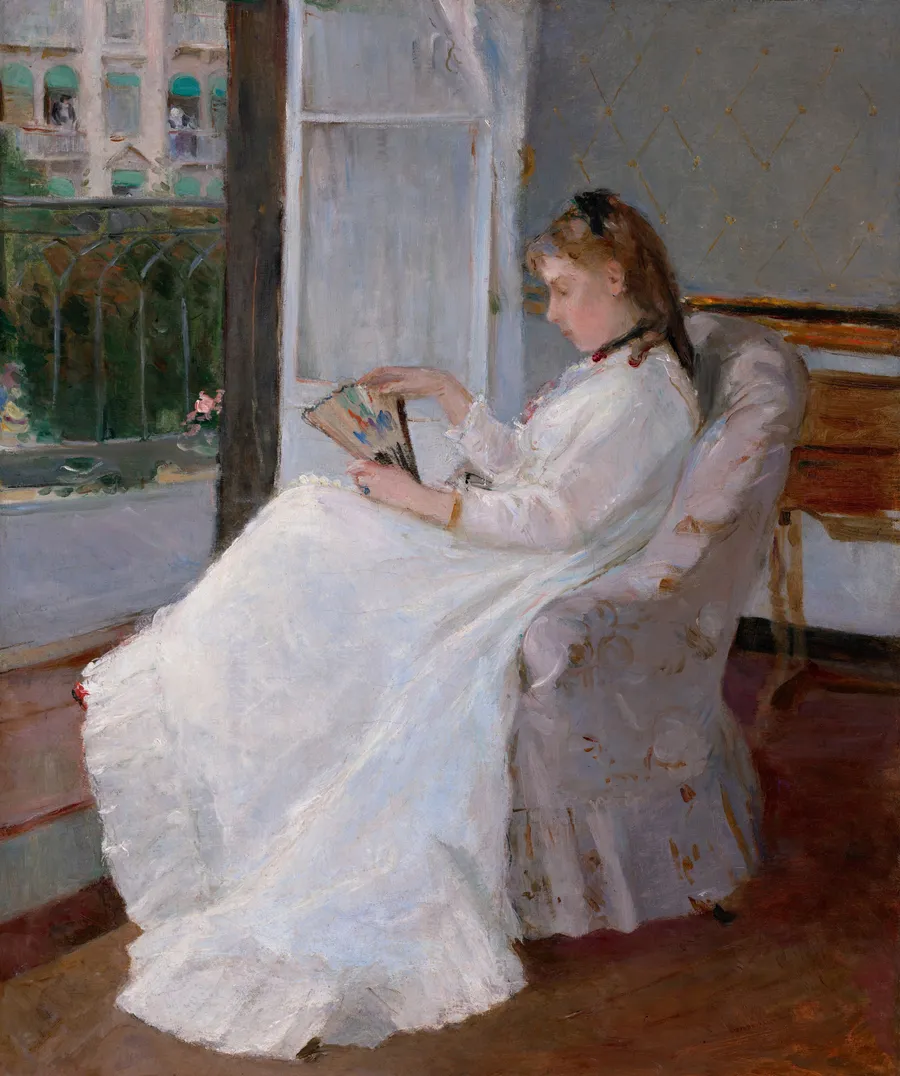
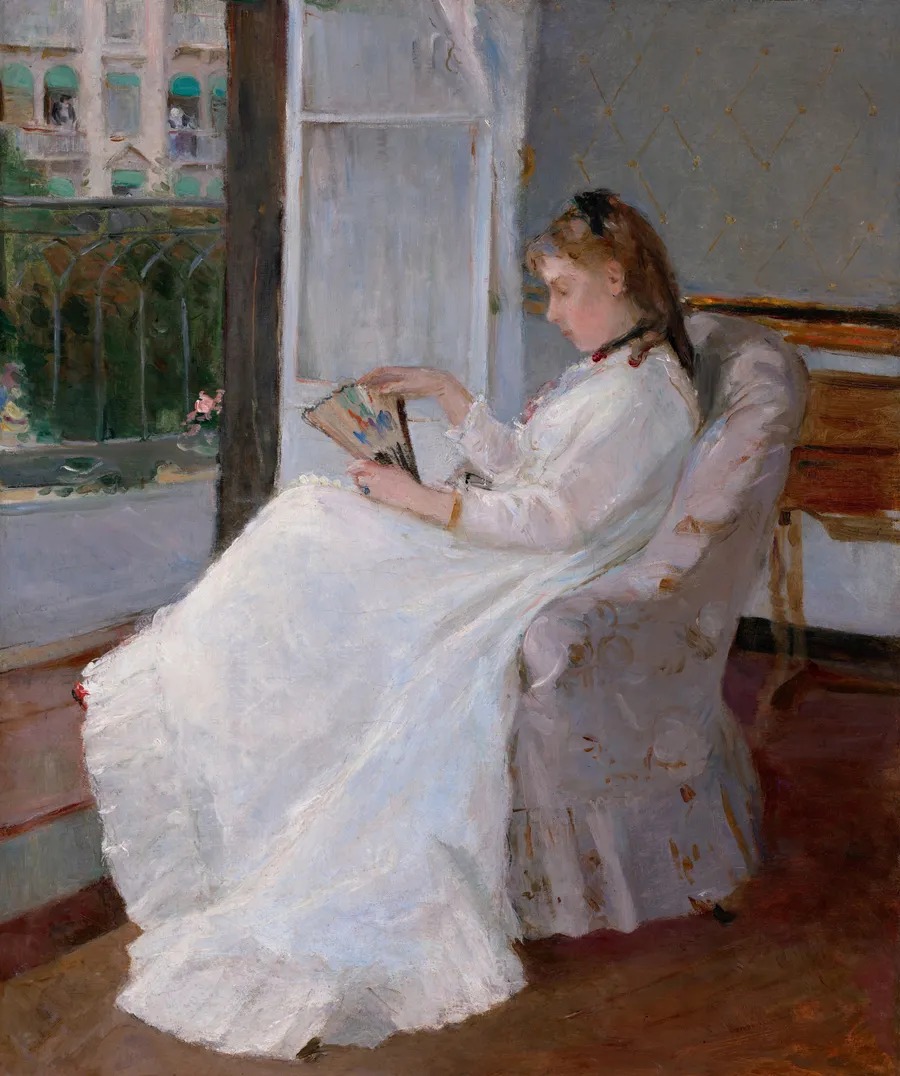
Example: Berthe Morisot, The Artist’s Sister at a Window, 1869, National Gallery of Art (public domain). Sizes measured with this page’s own recipe in Chrome. Another browser’s files differ a little.
This is one automation in Weekend Studio’s node editor. Every step is a node you can change, and you can add more: a resize, a crop, a watermark, a second file type.
See how it worksHow to convert WebP to JPG
Add your WebP pictures
Drop them in the Pictures box on the left, or press Upload.
Set the quality
Click Format. Quality starts at 92%; 75 to 80% keeps the file near the WebP’s size.
Run
Press Run: one picture downloads as itself, several as one zip.
Why a picture you saved is a WebP
Websites serve WebP because it’s smaller than JPEG for the same look, so “Save image as” often hands you a .webp. Browsers open it, and so do current phones and computers. Older photo apps, some printers’ upload pages, many office programs and plenty of forms still don’t.
A JPEG opens in all of them. That’s the whole reason to convert.
The JPG is usually bigger
WebP packs a picture tighter than JPEG does, so going back costs space. The portrait above is 96 KB as a WebP and 216 KB as a JPEG at 92%, more than twice as much. At 80% it’s 125 KB, and at 75%, 106 KB.
Both formats are lossy, so the picture is compressed a second time. At 92% you won’t see it. Lower the quality only as far as you need to.
Transparent and moving WebPs
- Transparency
- A WebP can be transparent; a JPEG can’t. The clear parts come out white. To keep them clear, use WebP to PNG.
- Animation
- An animated WebP is saved as one still picture: its first frame. The motion isn’t kept.
What else changes
The picture keeps its size in pixels, and its name: only the ending changes to .jpg.
The new file holds the picture and nothing else: camera details and a location saved in the original aren’t copied into it.
Your WebP files aren’t changed or deleted. The JPEGs are new files, in your downloads folder.
Other recipes
- WebP to PNG
WebP pictures saved as PNGs, their transparency kept.
- PNG to JPG
PNGs saved as JPEGs, with white where they were transparent.
- AVIF to JPG
AVIF pictures saved as JPEGs that open anywhere.
- Compress images
Smaller JPEG or WebP files by quality, or under a size you type.
Questions
Is it free?
Yes. Converting and saving is free, with no account and no limit on how many pictures. It runs on your own device, so it costs nothing to run.
Are my pictures uploaded?
No. They’re opened, converted and saved in your browser, on your device.
Why did my picture save as WebP?
Many websites serve their pictures as WebP because the files are smaller. Saving one from the page gives you the WebP. Converting it to JPG makes it open everywhere.
Will the JPG look worse?
Not that you’d notice at 92% quality, where this starts. The picture is compressed a second time, so very low quality settings show it sooner.
What happens to an animated WebP?
Only its first frame is saved, as a still JPEG. A JPEG can’t hold animation.
What happens to a transparent WebP?
The transparent parts become white, because a JPEG has no transparency. Convert to PNG instead to keep them.
Can I convert many at once?
Yes. Drop as many as you like. They’re converted one after another and downloaded together as one zip.
Build your own
This recipe is three nodes in Weekend Studio’s node editor. Add a Resize or a Crop before Format, or a second Format for a PNG copy, and it all runs in one go.
See how it worksMore free tools
Automations is one of the free Widgets in Weekend Studio Tools, with the image converter, the gallery maker and the PBR Texture Generator.
Open Tools Read the Tools docs