
Weekend Studio · Calendar
An online calendar with goals
Calendar keeps your events, reminders and goals in Weekend Studio, beside the calendars you already use: two-way with Google, and Apple, Outlook or any other through their calendar addresses. Calendar is part of a Weekend Studio membership.
Open Calendar How Calendar works
- Two-way Google sync
- Goals
- Quick add
- Prints well
What it does
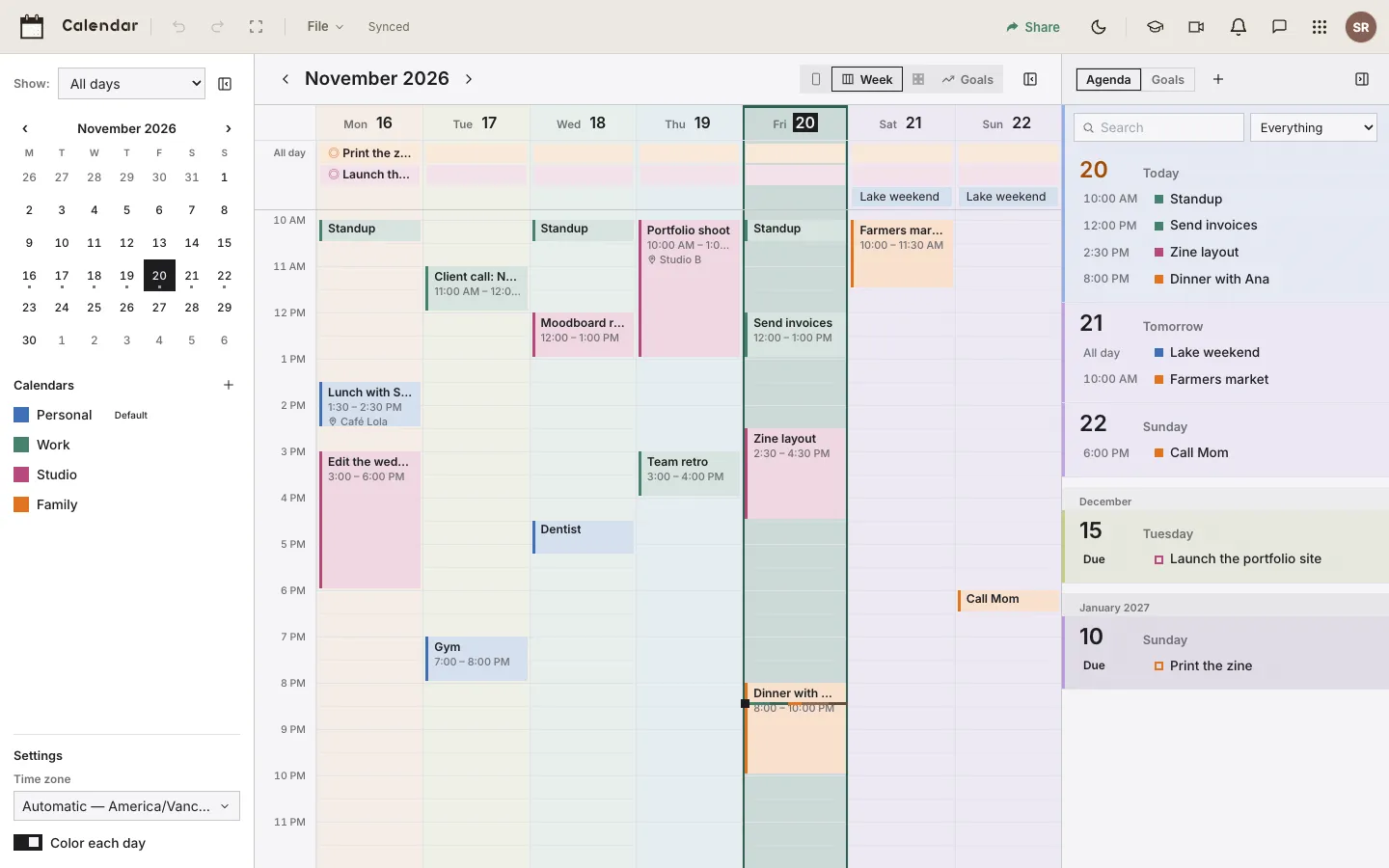
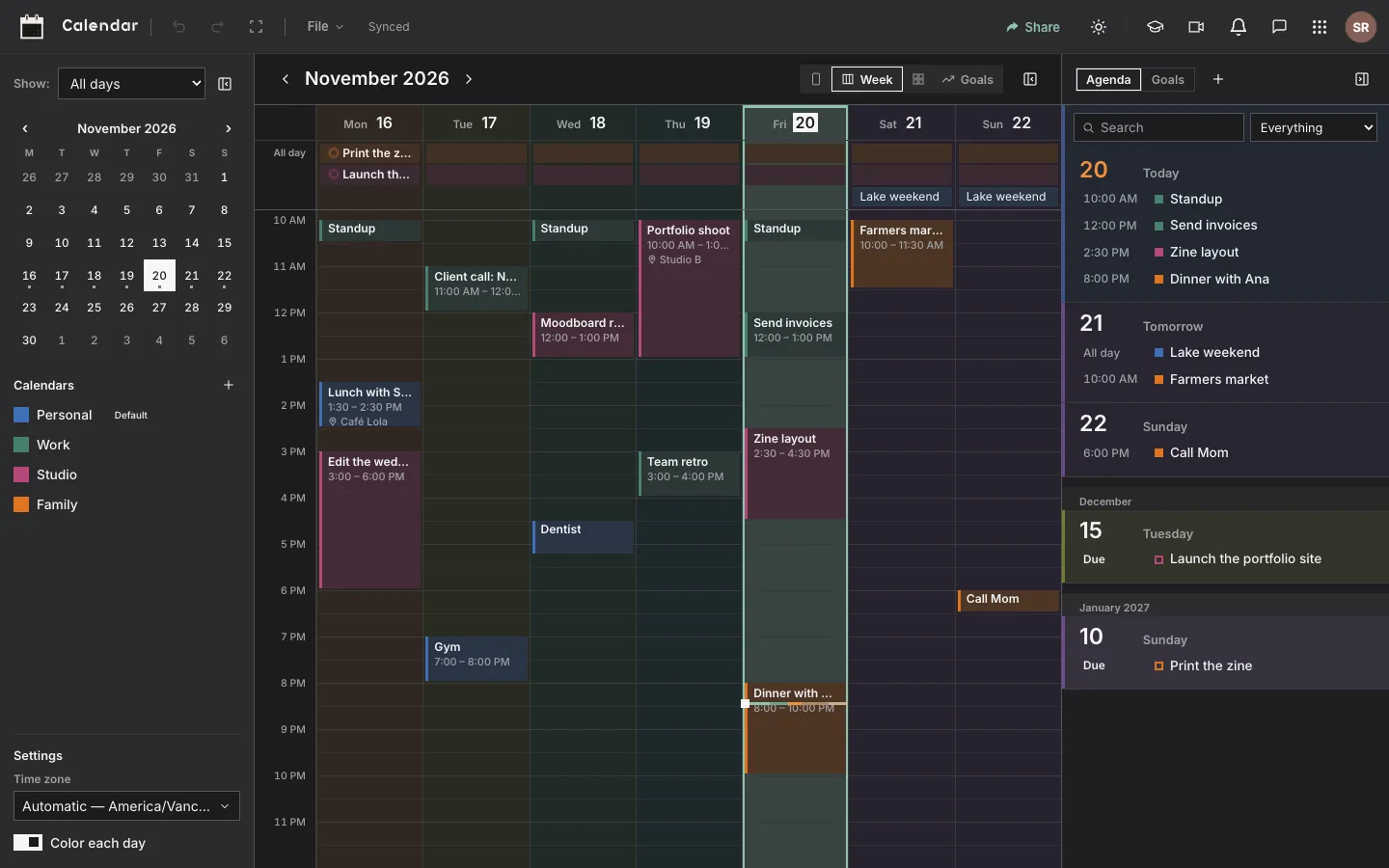
Day, Week, Month
Step back and ahead with the arrows, come back with Today, and drag across the grid to make an event. Drag an event to move it.
Goals
Goals sit over the months with their deadlines, in progress, paused or done, and an event can be filed under the goal it works toward.
Agenda beside it
The right column shows the Agenda, or your goals, next to whatever view you're in.
Quick add, in plain words
Type "lunch with Sam fri 1pm" and Calendar makes the event: the day, the time or a range, how long, a repeat, a reminder and a place. It's read on your device, as you type, with no AI model and no wait.
Anything that needs judgment, like finding an hour that works next week, you can ask Sarah, the suite's help desk, or Claude through your AI assistant.
Reminders wherever you are
A reminder fires in whichever Weekend Studio app you have open, as a card in the corner, and as a browser notification when the tab is in the background if you allow them.
Members also get reminders in the alerts bell from the server, which works with no tab open.
Beside the calendars you already use
In File › Calendars and connections.
- Google: two-way sync. Add or move something here and it's in Google within seconds; change it in Google and it's usually here within seconds. Connect more than one Google account, and choose which of their calendars show.
- Subscribe to any calendar's secret address: Google, iCloud and Outlook all have one. It shows here read-only and refreshes on its own.
- Import a .ics file once, from any calendar app, and Export yours as a .ics file to import anywhere.
- Public address: a private address for one of your calendars that Google, Apple or Outlook can subscribe to, so what you plan here shows up there too.
With other people
- Invite friends to an event. Each one answers Going, Maybe or Can't go, and you see who's coming.
- An invitation to you reads as theirs, with your answer the one thing that's yours; say Going and it's on your calendar.
- Files on events: attach pictures and documents from your Cloud, and open them from the event.
On paper
File › Print… lays out the view you're in for paper: Day on a tall page, Week and Month on a wide one. Every event shows its time and title, goals show on their deadline, and each calendar's color prints as a bar with a key at the foot of the page, so it still reads on a black-and-white printer.
Quick with the keyboard
Outside a text field: T for today, N for a new event, ← and → back and ahead, D, W and M for Day, Week and Month, and A and G for the Agenda or Goals beside it. ⌘Z undoes and ⌘⇧Z redoes.
Part of membership, plainly
Calendar comes with a Weekend Studio membership. Signed out, or without a membership, Calendar shows in the suite's menu with a lock. Your events are kept in your account and open on every device you sign in on.
Everything else in Weekend Studio, Images, Doc, Vectors, Moods, Develop, Web, 3D and Tools, is free with no account. A membership adds 100 GB of Cloud storage synced across your devices, sharing and live collaboration, generative AI if you want it, working from your AI assistant (MCP), and posting on Cauchii. Its price shows in your own currency when you choose Log in in the bar above, and it renews until you cancel. What membership adds.
Questions
Is Calendar free?
No. Calendar is part of a Weekend Studio membership. The rest of the suite, Images, Doc, Vectors, Moods, Develop, Web, 3D and Tools, is free with no account.
Does it sync with Google Calendar?
Yes, both ways: what you add or change here shows up in Google within seconds, and changes made in Google usually show up here within seconds.
Can I see my Apple or Outlook calendar?
Yes. Subscribe to its calendar address and it shows here, read-only, refreshed on its own. To put your plans on Apple or Outlook, give them your calendar's public address.
Can I move my calendar from somewhere else?
Yes. Export a .ics file from your old calendar app and import it here, or export yours as a .ics file to take anywhere.
Will I get reminders?
Yes. Reminders show in whichever Weekend Studio app you have open, as browser notifications if you allow them, and in the alerts bell.
Can I print it?
Yes. File › Print… prints the day, week or month you're looking at, laid out for paper, with each calendar's color as a bar and a key.