Weekend Studio · Cloud
Cloud storage for your creative work
Cloud is Weekend Studio's online library: everything you save in its apps, and everything you upload, in one place, synced across your devices and ready to share. Cloud comes with a Weekend Studio membership.
- 100 GB
- Synced
- Share by link
- Every app in one place
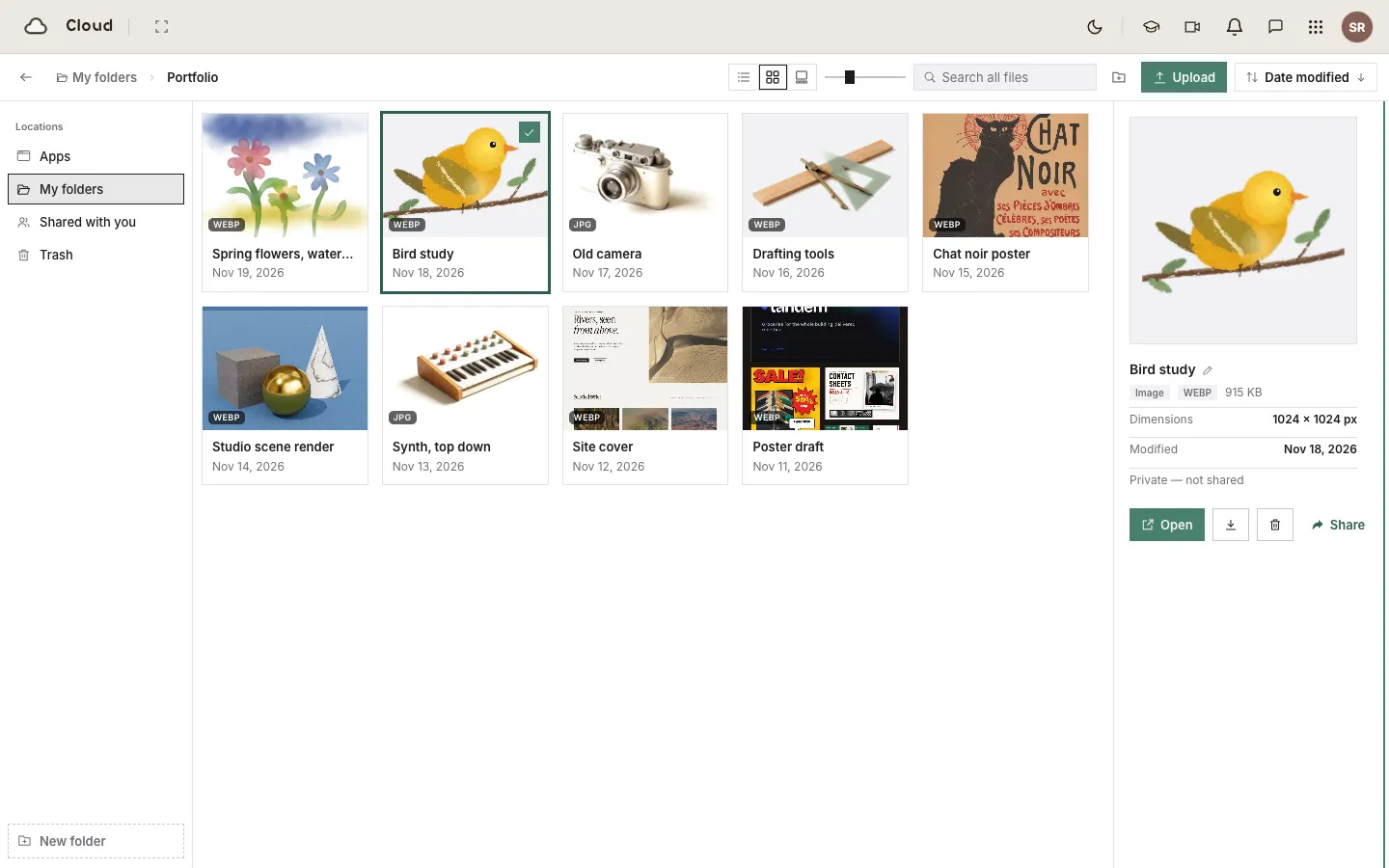
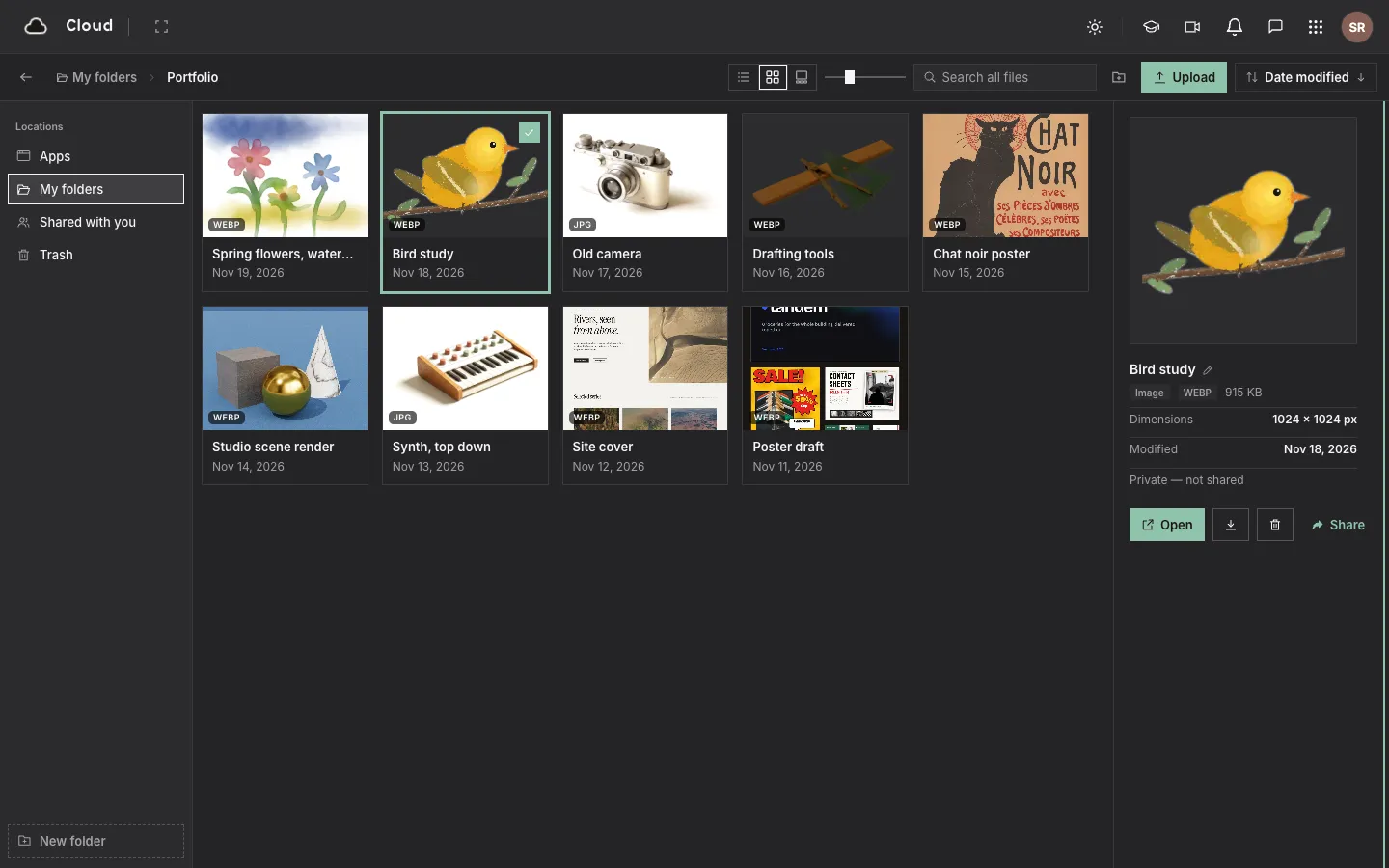
Everything you make, in one library
Apps
Everything each app saves, in a folder per app: Images projects, Doc documents, Moods boards, Vectors drawings, 3D scenes, Web sites and more.
My folders
Folders you make and organize yourself, with the ones you star under Favorites.
Shared with you
What other people have shared with you, with who shared it and what you can do with it.
Find it, see it
- Search looks through your whole library, whichever folder you're in: folders by name, files by name or tag, and where each one lives.
- Sort and filter by name, date modified, date created, kind or size, or show only images, video, audio, documents or 3D.
- Three views: a List of columns, Icons, or a Gallery with a big preview and a strip of the folder's files. Drag the size slider to make things bigger or smaller.
- Details beside it: a file's type and size, when it changed, and who it's shared with. A video or a sound plays right there.
Bring things in
- Upload, or drag files anywhere onto Cloud: pictures, HEIC and camera RAW included, video, audio and 3D models, up to 5 GB a file. Each shows up as you drop it, with a bar that fills as it uploads.
- Open in takes a file into an app: a picture into Images, Develop, Moods or Doc, a camera RAW file into Develop, a video into the video editor.
- Save to device saves a copy, or a whole folder as one zip with its subfolders inside.
- On a phone, one folder at a time, full width, with the path at the top to lead back up, and every right-click choice under a ⋯ button.
Sharing that stays yours
Right-click a file or one of your folders and choose Share….
- Friends and email: each person is a Viewer, who can look but not change anything, or an Editor, who can edit it with you.
- Shared folders share everything inside them, subfolders too. Files you add later are shared as well, and files you move out stop being shared. An Editor can add their own files to your folder, but can't move or remove yours.
- Links: a viewer link or an editor link anyone can open, even without an account. Pasted into a message, it shows a preview.
- Revoke a link to turn it off for anyone new, and Remove access to take someone out.
Room to work
Membership includes 100 GB. Your account page shows how much you've used, split into a color for each app, so you can see what takes the room.
Need more? Once your plan's first payment has gone through, Add storage adds blocks of extra space, billed with your membership, and you can reduce or remove them later. The account page warns you when you're close to full.
Things in the Trash stay until you empty it, so you can Restore what you threw away. They count toward your storage until you delete them forever.
If your membership ends
Cloud turns read-only: you can still open your files and save them to your device for a while, and Renew membership brings everything back.
Without a membership, every app still works and saves your work on your device instead.
Part of membership, plainly
Cloud comes with a Weekend Studio membership. Signed out, or without a membership, Cloud shows in the suite's menu with a lock, and the apps save your work on your device instead.
Everything else in Weekend Studio, Images, Doc, Vectors, Moods, Develop, Web, 3D and Tools, is free with no account. A membership adds 100 GB of Cloud storage synced across your devices, sharing and live collaboration, generative AI if you want it, working from your AI assistant (MCP), and posting on Cauchii. Its price shows in your own currency when you choose Log in in the bar above, and it renews until you cancel. What membership adds.
Questions
Is Cloud free?
No. Cloud comes with a Weekend Studio membership. Without one, every app still works and saves on your device.
How much storage do I get?
Membership includes 100 GB, and you can add blocks of extra storage once your plan's first payment has gone through.
Can I share a folder?
Yes. Share a folder with friends or by email as a viewer or an editor, or make a link anyone can open. Files you add later are shared too.
Can someone without an account open what I share?
Yes. A viewer link opens for anyone, with no account or membership. Saving changes to Cloud takes a membership, so give an editor link to someone who has one.
What happens if my membership ends?
Cloud turns read-only: you can still open your files and save them to your device for a while, and renewing brings everything back.
Can I get back something I deleted?
Yes, from the Trash, until you empty it. Deleting forever can't be undone.